Checking Work Assignment Options
Before assigning an employee to work, check to see which open work may cause violations.
- Open the Daily Activity screen and set the Context (F3).
- In the employees view or quick filter view, select the employee for whom to check work assignments.
-
Do one of the following:
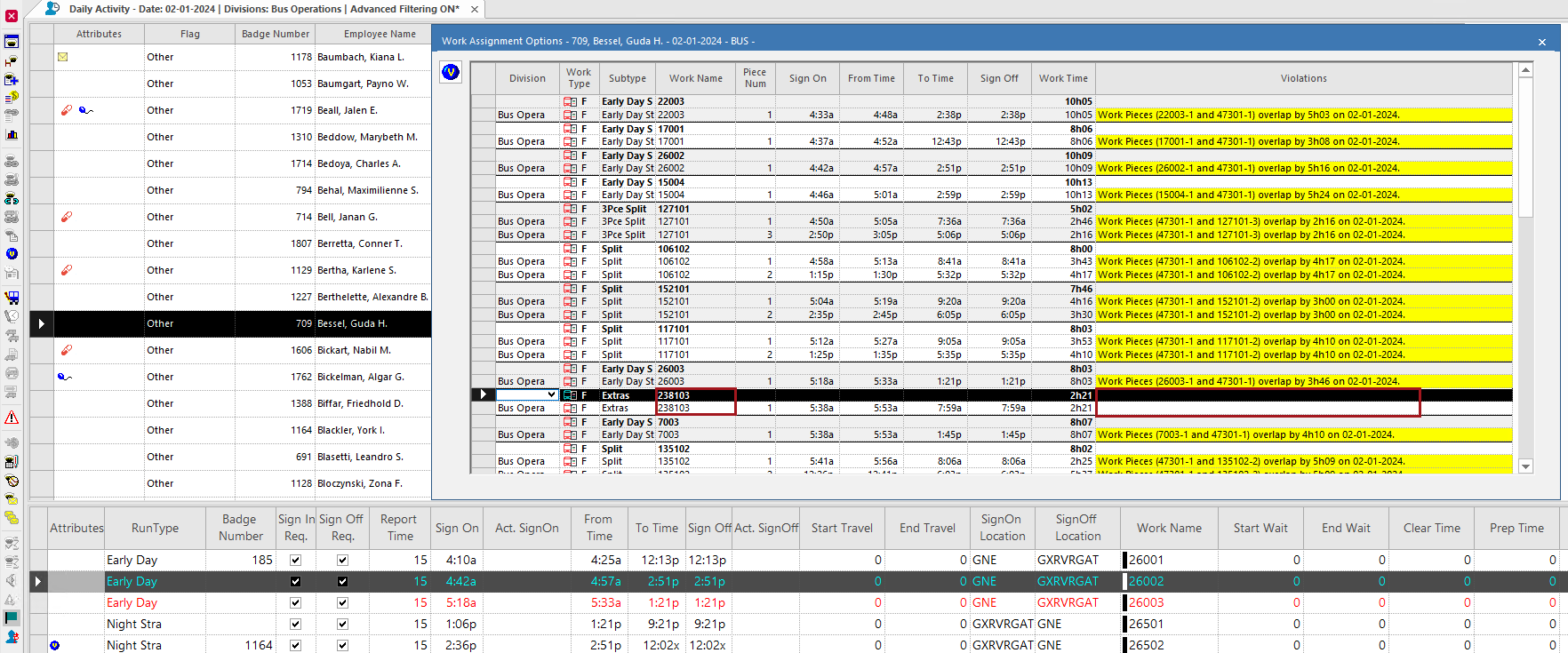
- Select Work Assignment Options:

- Right-click and select Work Assignment Options.
The Work Assignment Options dialog appears. - Select Work Assignment Options:
-
Check work for Violations.
Work is shown individually, unless it has been grouped using the Group Open Work screen.Only the top violation for each work is listed.
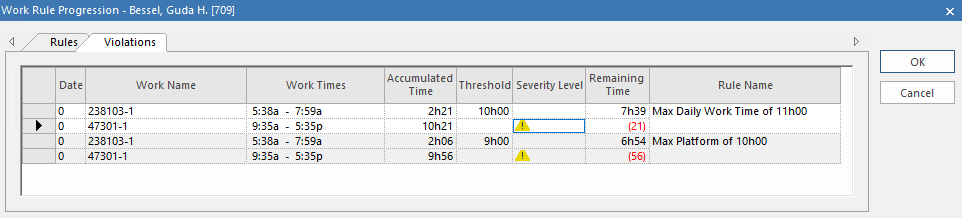
 Additional violations will be shown on the Violations tab in the Work Rule Progression dialog.
 - When the work to be assigned has been determined, close the dialog.
-
Assign the work to the employee.
For example, in the work pane, select the work to be assigned and then use Assign Employee (
 ) to assign the Employee to the work.
 ) to see all Violations.