
Printing Driver Paddles and Manifests
Driver paddles and manifests provide detailed work information and can be printed as needed.
- Open the Daily Activity screen and set the Context (F3).
-
Select the work to print information for and then select Print
Details:
 The driver paddle or manifest is shown.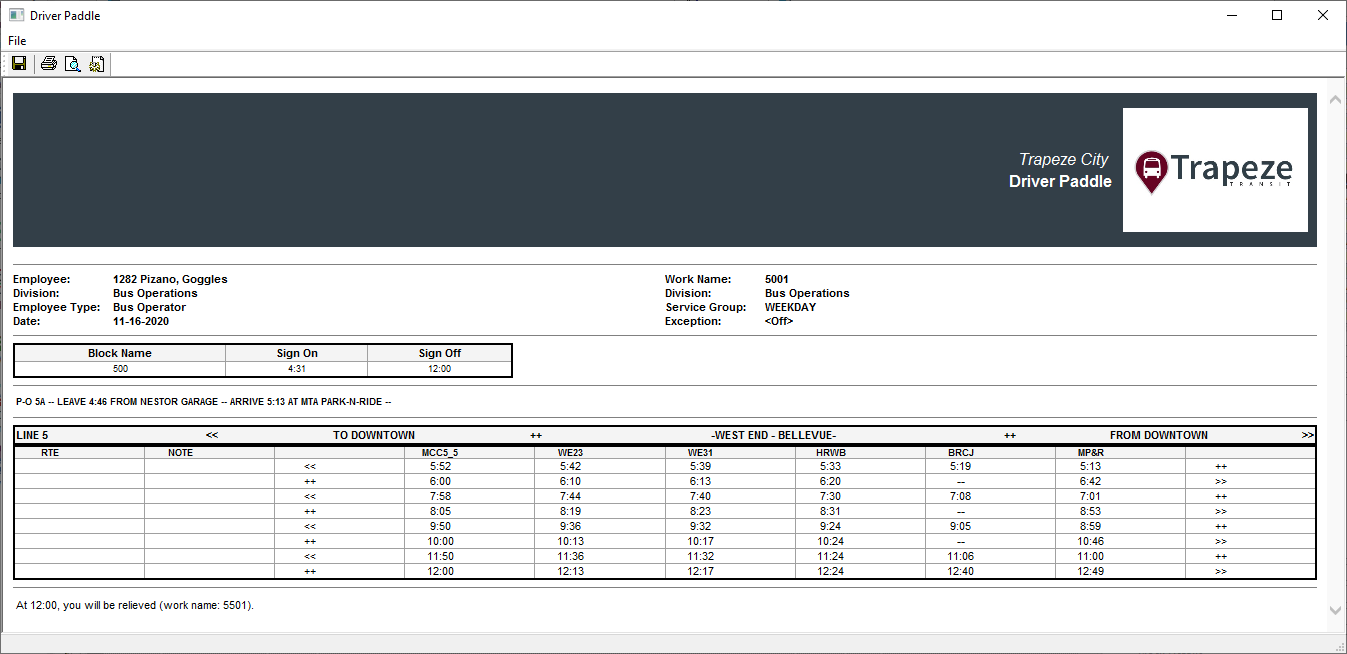
-
Select Print:
