
Booking Purposes
Booking purpose types define the purpose of a client booking and may be used as a reporting tool to find out how many trips were provided over a specific time and for what purpose.
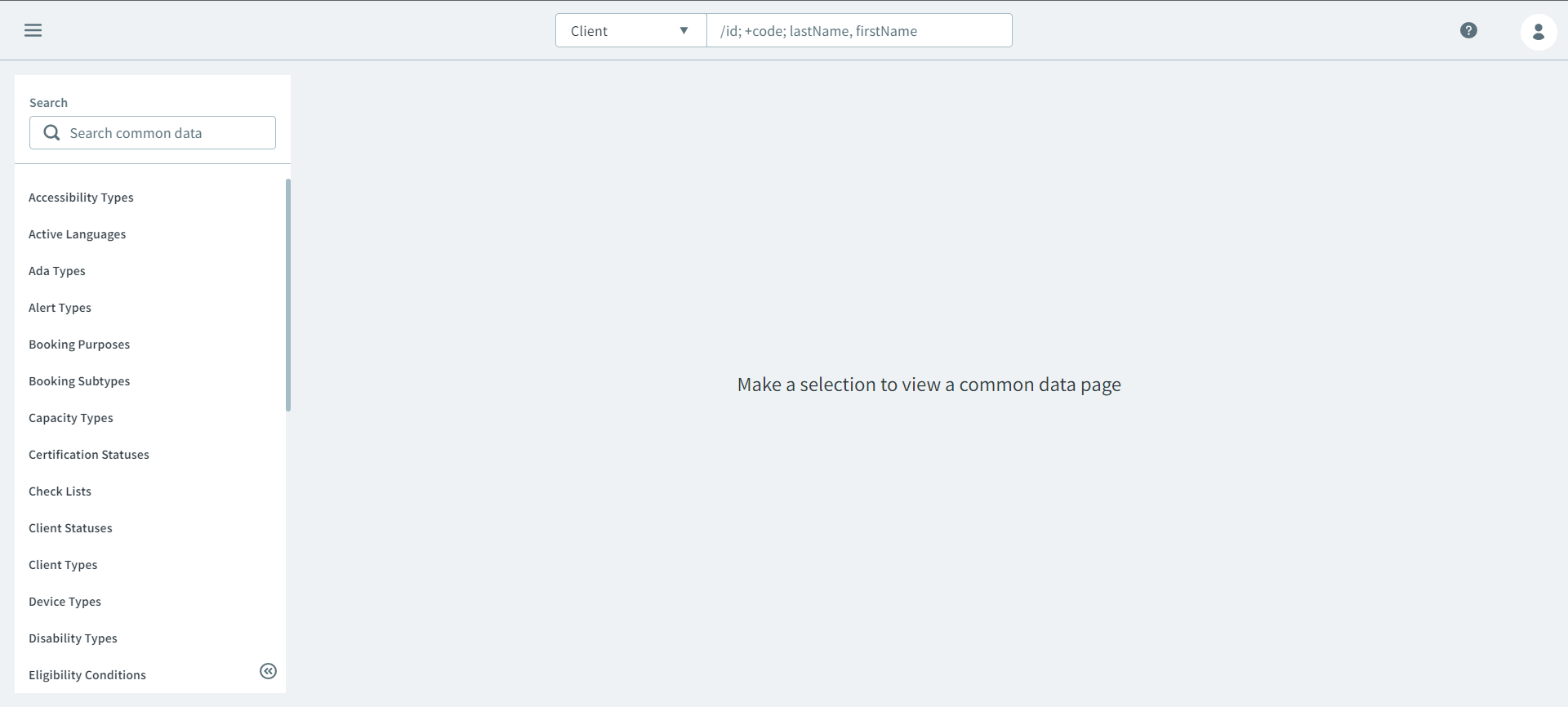
To open the Ancillary page, click  Main Menu> Ancillary.
Creating a Booking Purpose
- On the Ancillary page, select Booking
Purposes on the Search side pane.
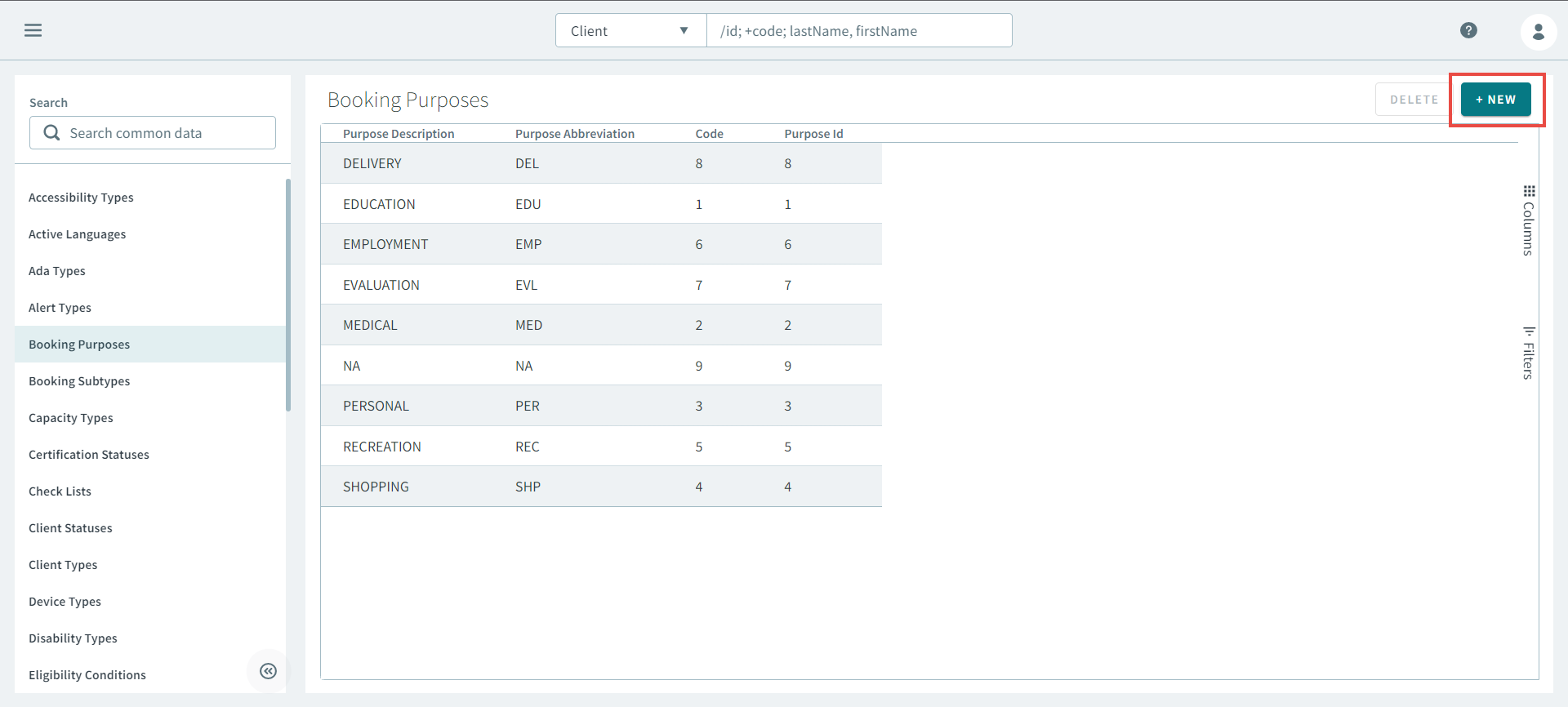
- Click New.
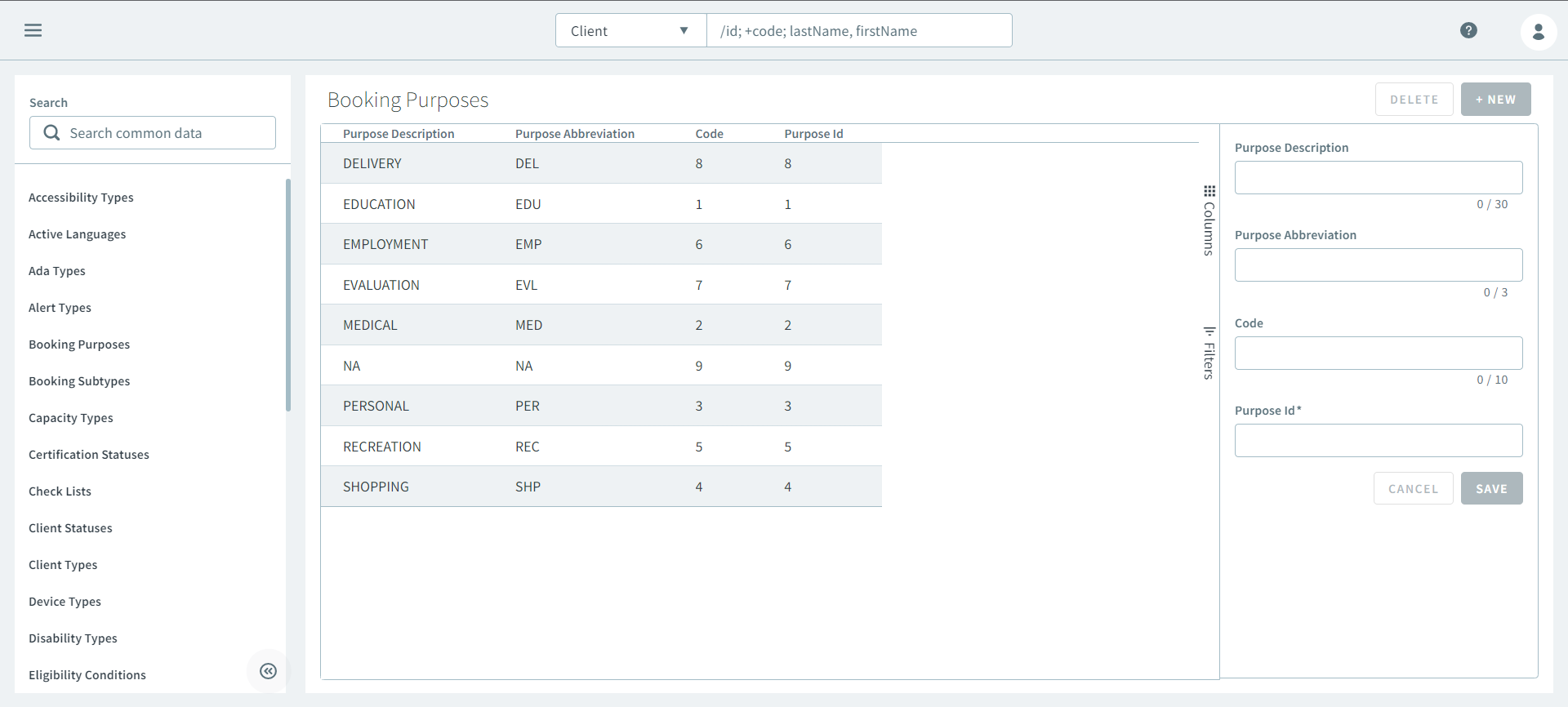
- On the New-booking-purposes side pane, enter
information into the following text boxes:
- Purpose Description
- Purpose Abbreviation
- Code
- Purpose ID
- Click Save.
Editing a Booking Purpose
- On the Booking Purposes page, select a booking purpose.
- Make the necessary changes on the Edit booking-purposes side pane.
- Click Save.