
Certification Statuses
The status of a certification detail in a client profile. This ancillary data appears as an option in the Certification Status dropdown list in the Certifications tab.
To open the Ancillary page, click  Main Menu>
Ancillary.
Main Menu>
Ancillary.
Creating a Certification Status
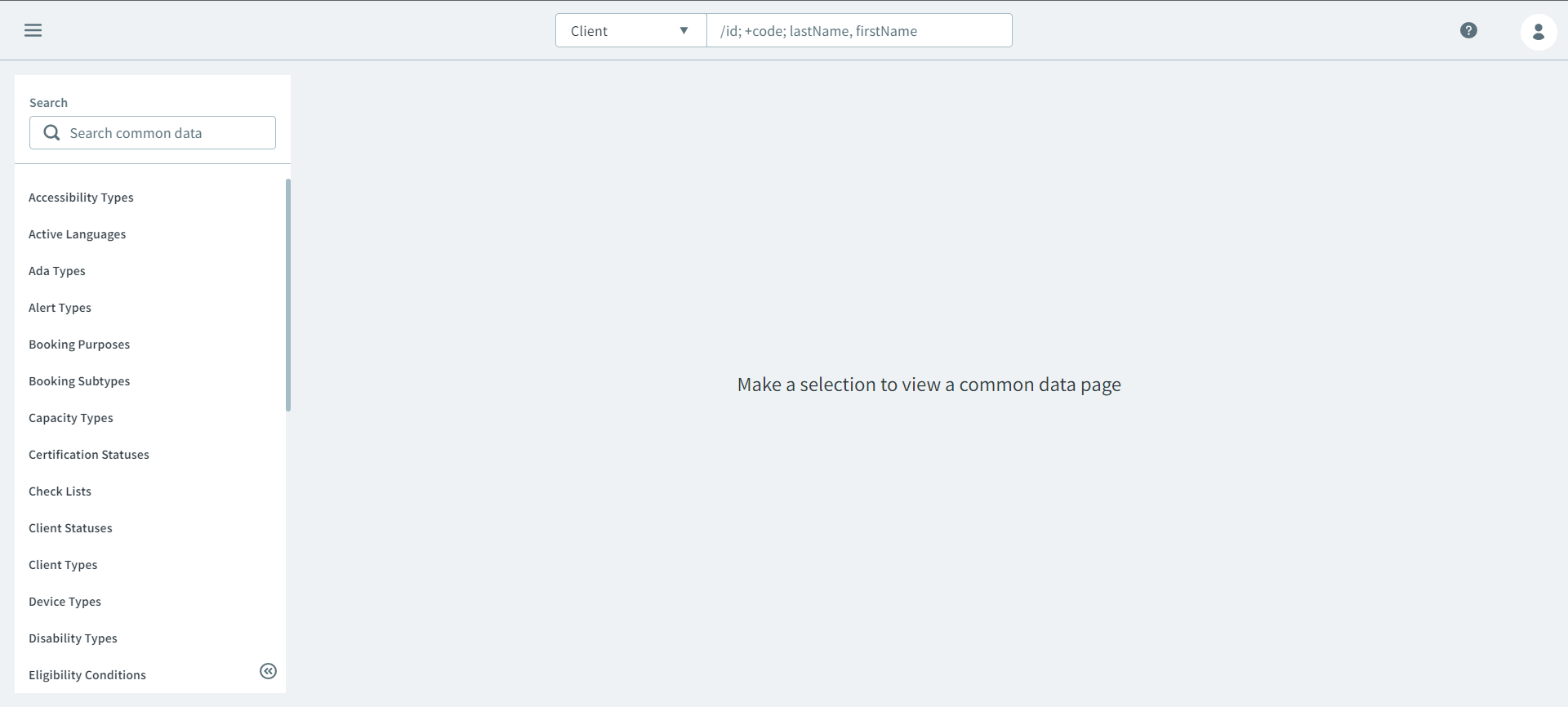
- On the Ancillary page, select Certification
Statuses on the Search side pane.
- Click New.
- On the New certification-statuses side pane, enter a name in the Description textbox.
- Select the Certification Action checkbox to activate the status.
- Click Save.