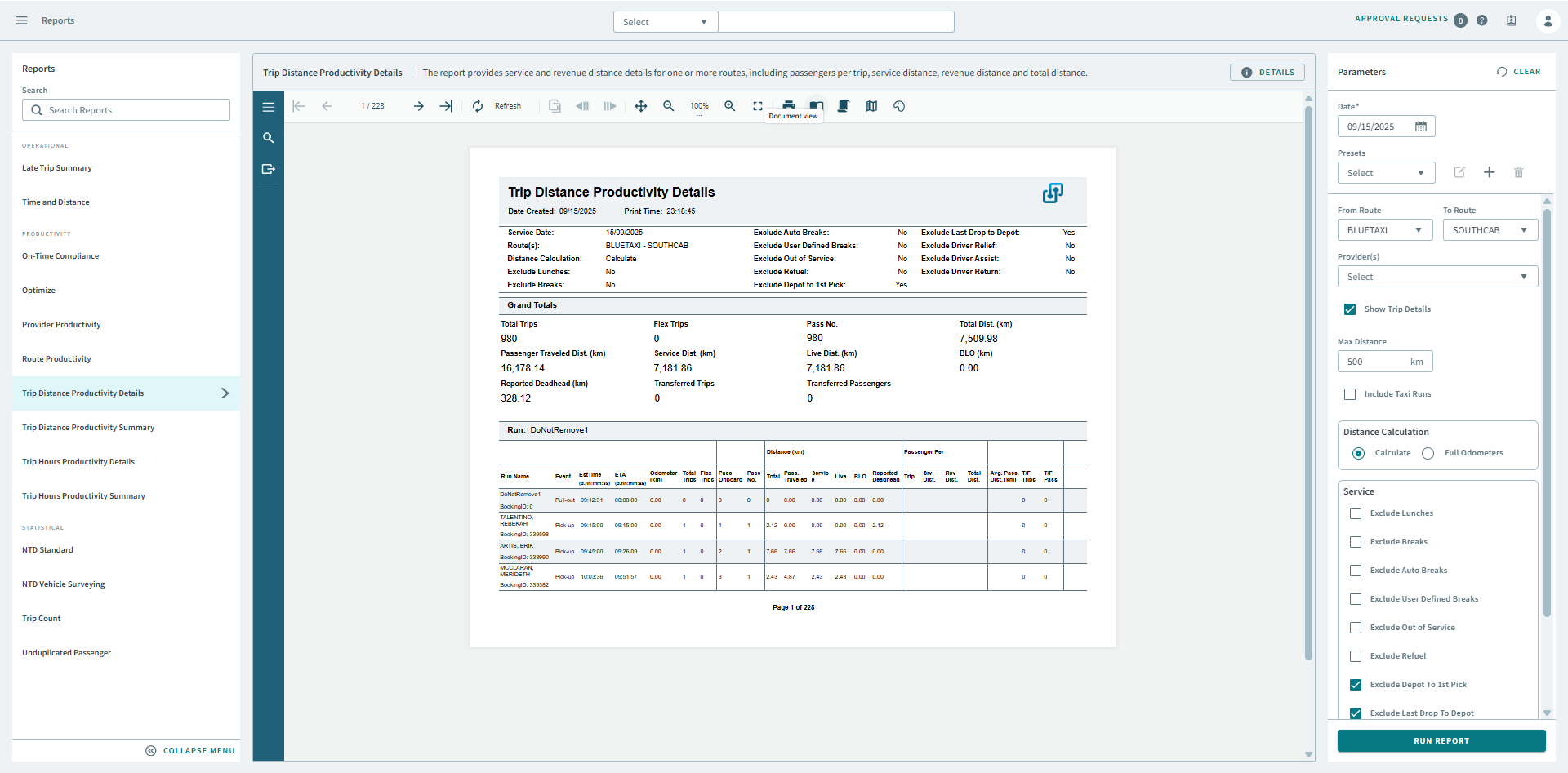
Trip Distance Productivity Details
The Trip Distance Productivity Details report provides service and revenue distance details for one or more routes, including passengers per trip, service distance, revenue distance and total distance.
| Parameter | Description |
|---|---|
| Date | Specify a ride date (for example, 10/10/19) of records in the report. |
| Presets | From the drop-down, Select a report parameter configuration. Preset icons allow you to edit a preset, create a new preset, or delete a preset. |
| From Route | First route in the report. |
| To Route | Last route in the report. |
| Provider(s) | From the drop-down list, choose All or a specific provider for the report. |
| Show Trip Details | If selected, trip details are included. |
| Max Distance | Maximum distance for a single route. If the total distance of a route is greater than this value, it is considered an error and set to 0. |
| Include Taxi Runs | If selected, taxi runs are included. |
| Distance Calculation | If Calculate is selected, distances are based on PASS calculated distances. If Full Odometers is selected, actual odometer readings are used. The Full Odometers option is not recommended unless you have mobile data to ensure complete odometer readings. If Partial Odometers is selected, the report uses odometer readings when they are available and calculated distances when odometer readings are not available. |
| Service | Select any of the following to remove from service hours and
distances:
|