Removing Documents From Employee Records
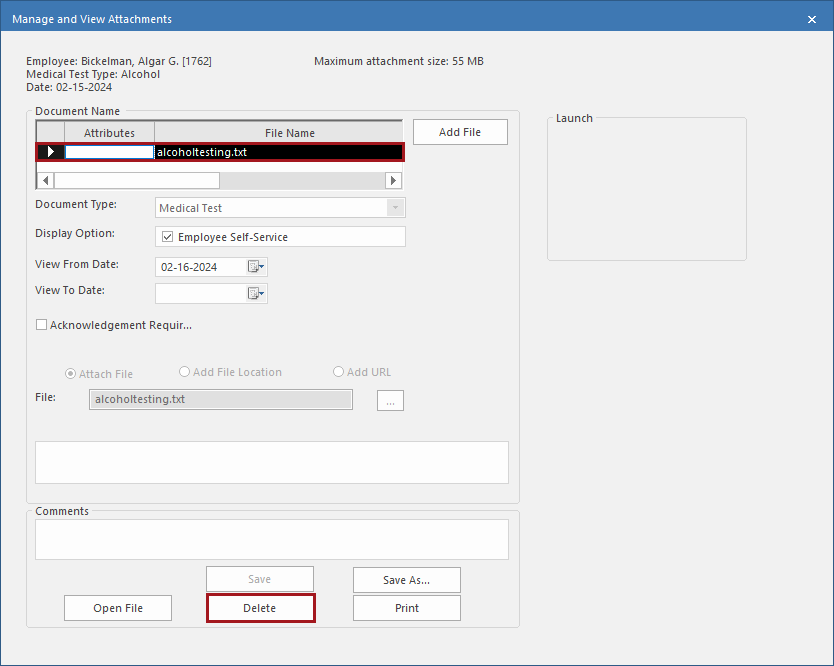
Remove attached document files or links from employee records as needed.
- Open the Employee Profile screen and set the Context (F3).
- Select an employee.
- Select Documents.
- Select the document to delete.
- Select Attachments.
-
Select the Document Name and then select
Delete.