
Viewing Employee Work and Day Off Information
Employee bid work assignments, bid units, and days off can be seen in the Employee Profile screen (they can't be changed in this screen).
- Open the Employee Profile screen and set the Context (F3).
-
Select an employee and then Bid Assignments.
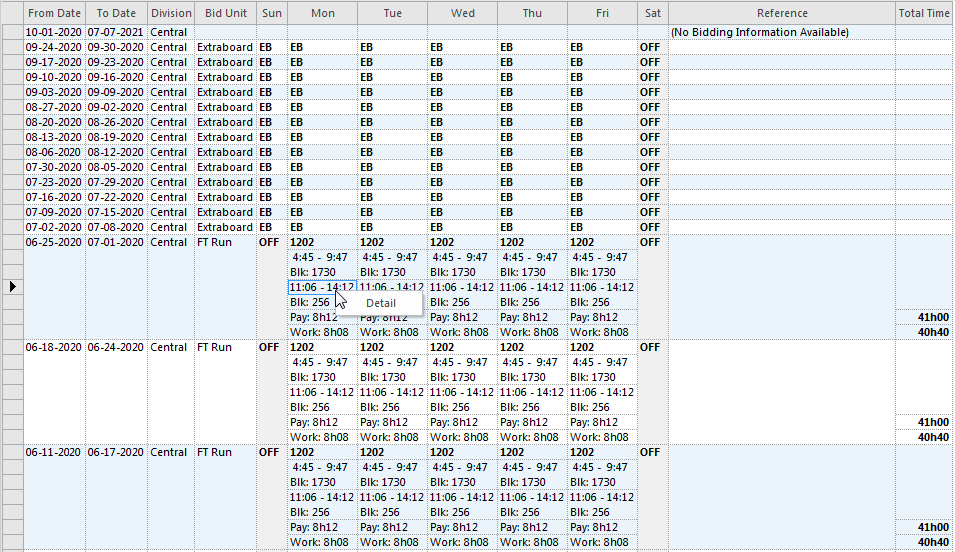
Days off are shaded. Right-click and select Detail to see more information about a piece of work.
-
Select Bid Unit.
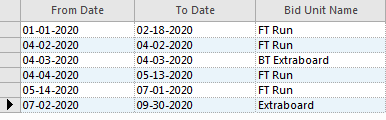
Bid units are listed with their date ranges.
-
Select Days Off.

Days off are listed with their date ranges.