
Updating Client Statistics
Statistics are updated for all clients during a single period.
About this task
Client statistics can also be updated automatically using the Update Client Statistic job type in Schedule Job Agent.
Procedure
- Click .
-
Click the Update tab.
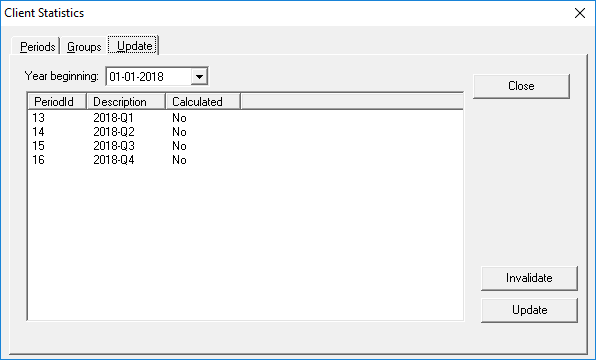
- In the Year Beginning list, click the year containing the period.
- In the list of periods, click the period to be updated.
-
Click Update.
A progress bar at the bottom of the dialog box shows the update progress. When the update completes, the selected period shows Yes in the Calculated column.
- Click Close.