Booking Wizard
You can use Booking Wizard to quickly and conveniently find scheduling solutions for client bookings.
What is Booking Wizard?
Booking Wizard takes away all the manual effort of scheduling by finding scheduling solutions for you based on the trip details you provided from the booking.
Booking Wizard is made up of three grids: Bookings, Run Solutions, and Run Itinerary.
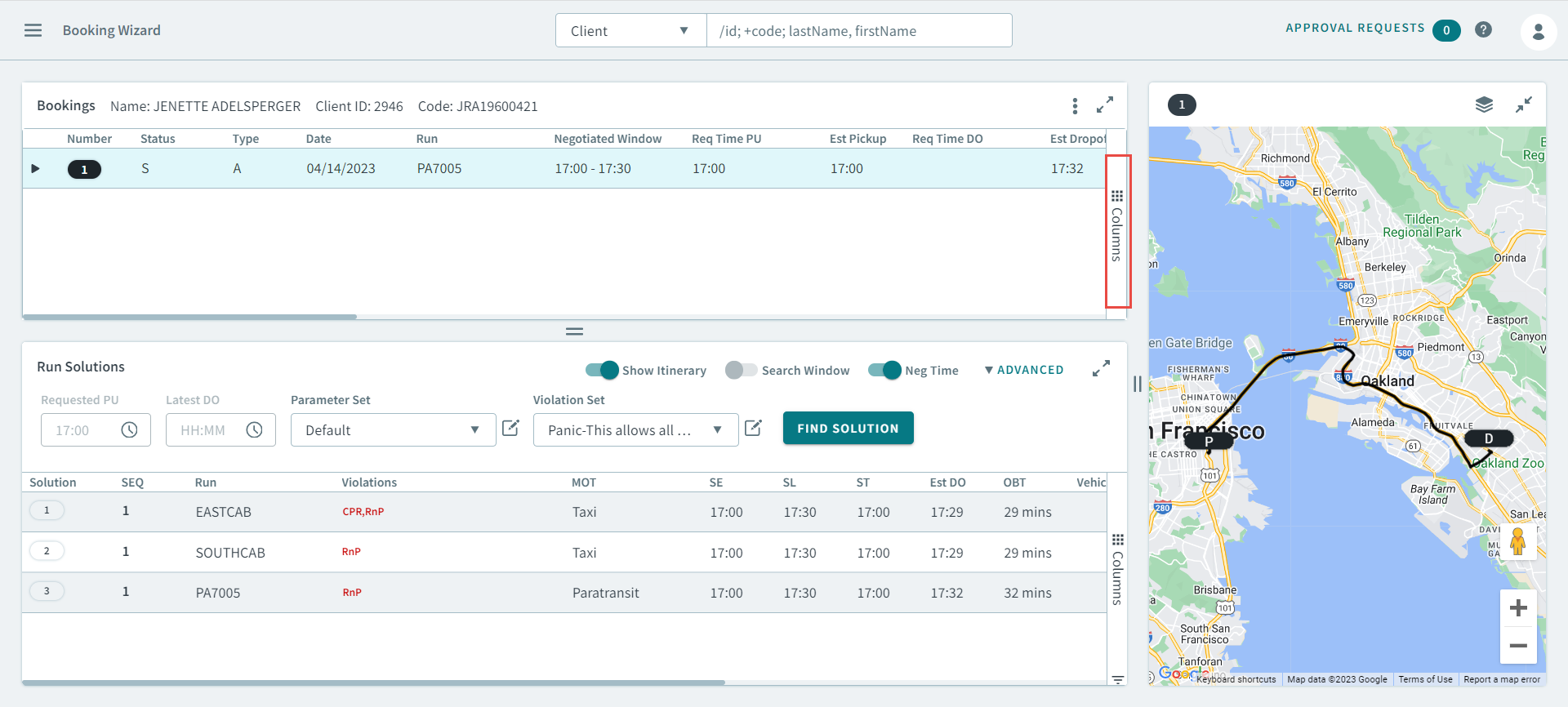
You can configure columns in any of the Schedule Booking Wizard grids by clicking
the Columns beside the grids.
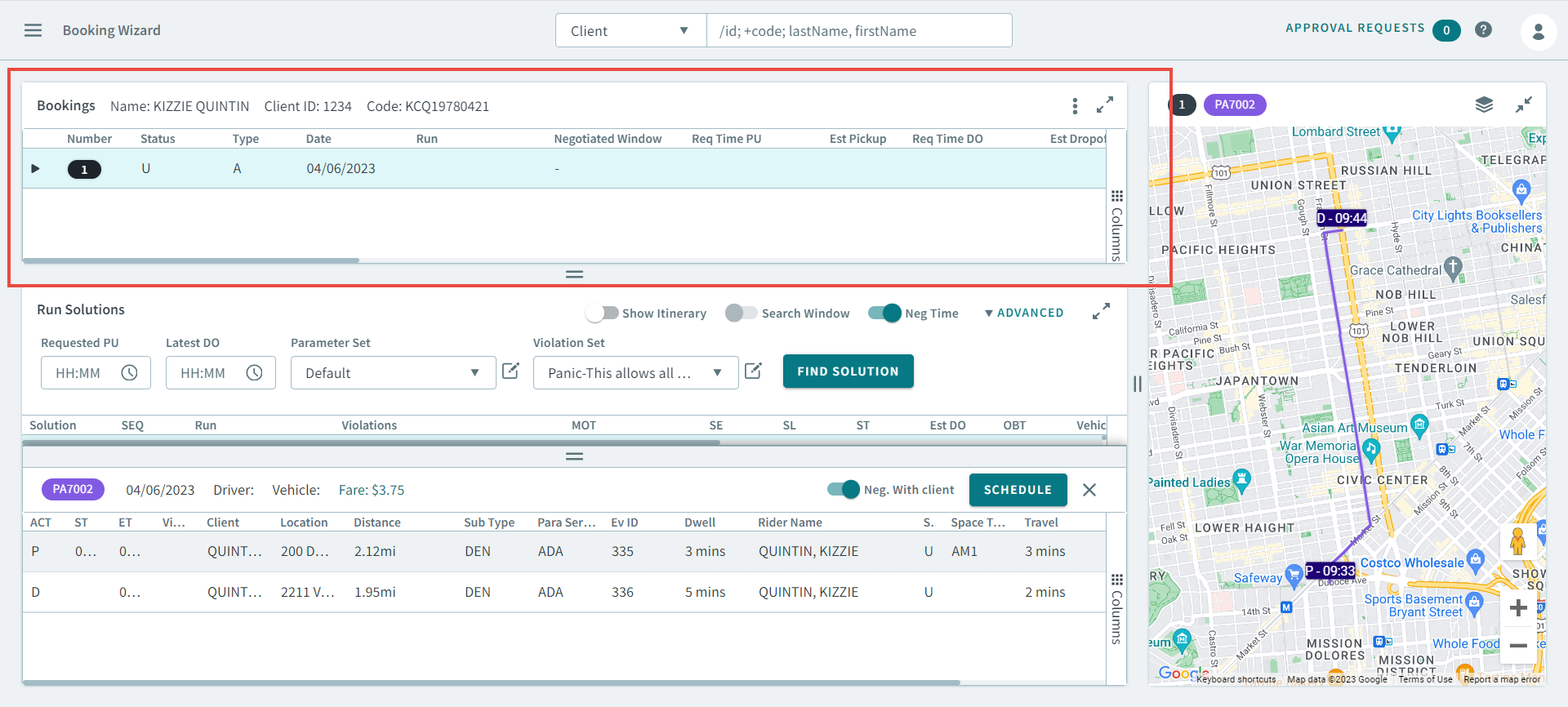
Bookings Grid
Bookings grid shows the client booking information: the name of the client, the
origin and destination of the booking, and the requested time of travel.
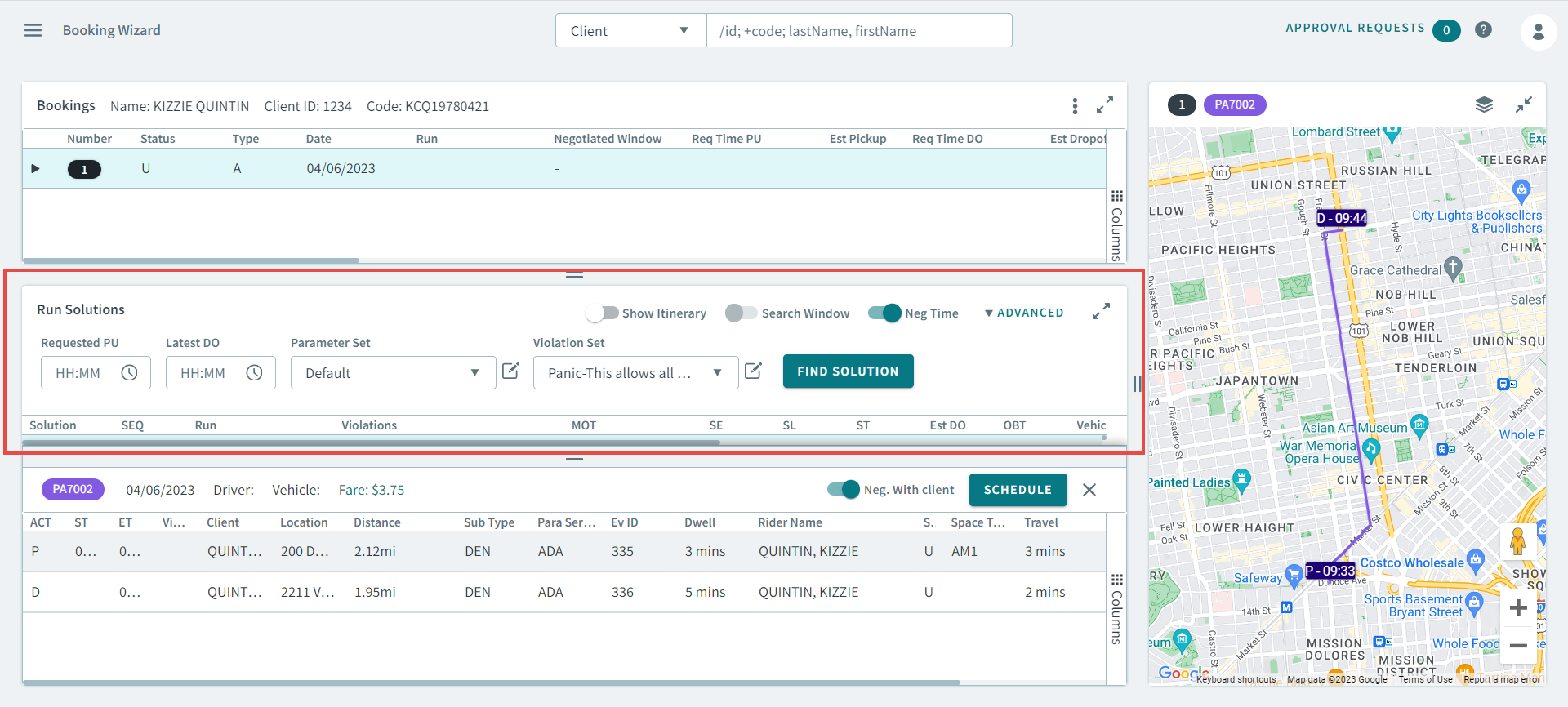
Run Solutions Grid
Run Solutions grid shows run solutions for the selected booking. The number of
solutions depends on the maximum number of solutions OneMobility is set
to produce. The run solutions are listed in order from most efficient to least
efficient based on the priorities set in the Costing Weights. The first solution is
usually the best solution.
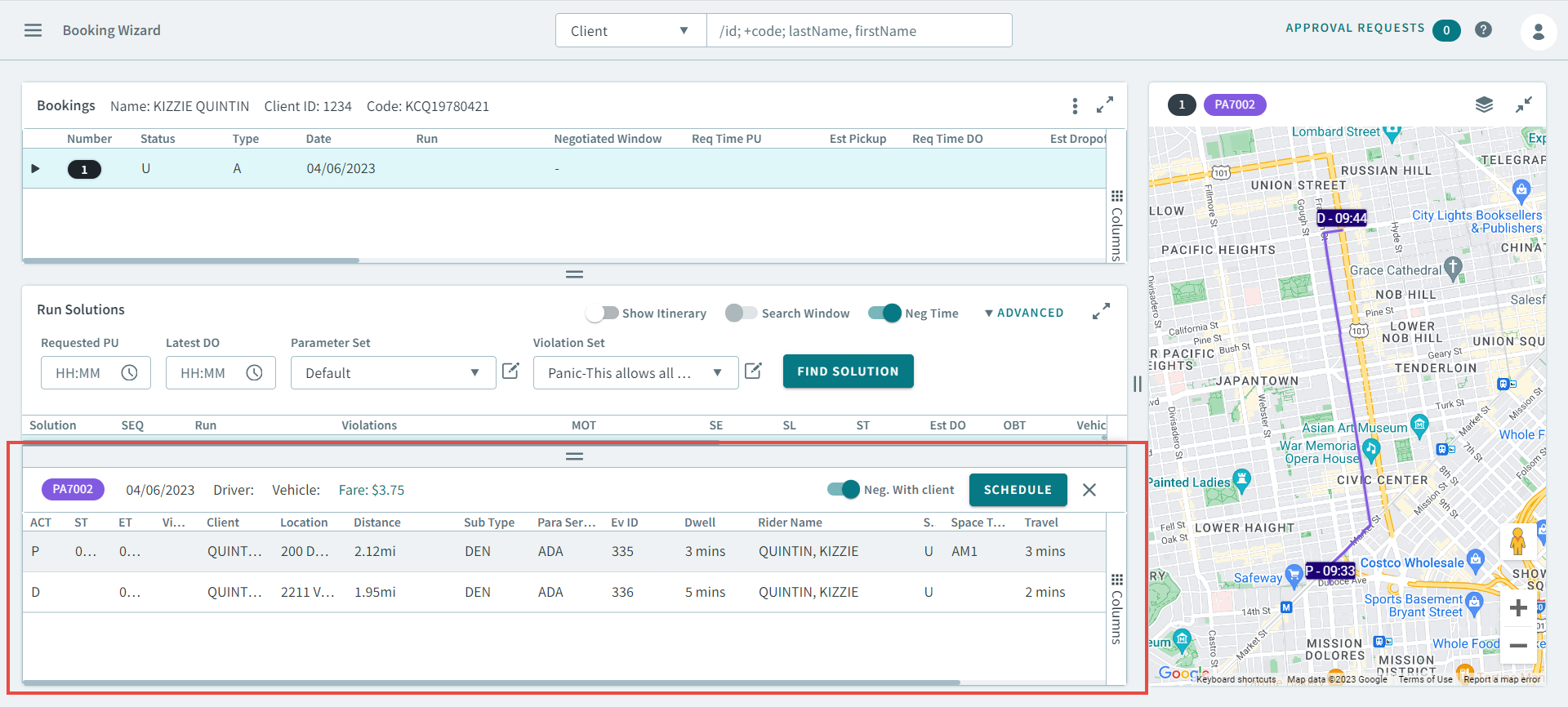
Run Itinerary Grid
Run Itinerary shows the listing of all run events from pull-out to pull-in, of any
run highlighted in the Run Solutions grid. To activate this pane, click on a run
solution. This will the pick-up and drop-off details for the booking. To view the
run itinerary, Turn Show Itinerary toggle ON. All the Run
Events appear in the itinerary and are also displayed on the map.