
Client Itineraries
A Client Itinerary contains multiple trips on the same day that are linked together.
There may be occasions when you want to group trips together to create a Client
Itinerary. When you link trips, you create a single itinerary ID that groups them
together. Linking trips is useful for the following purposes:
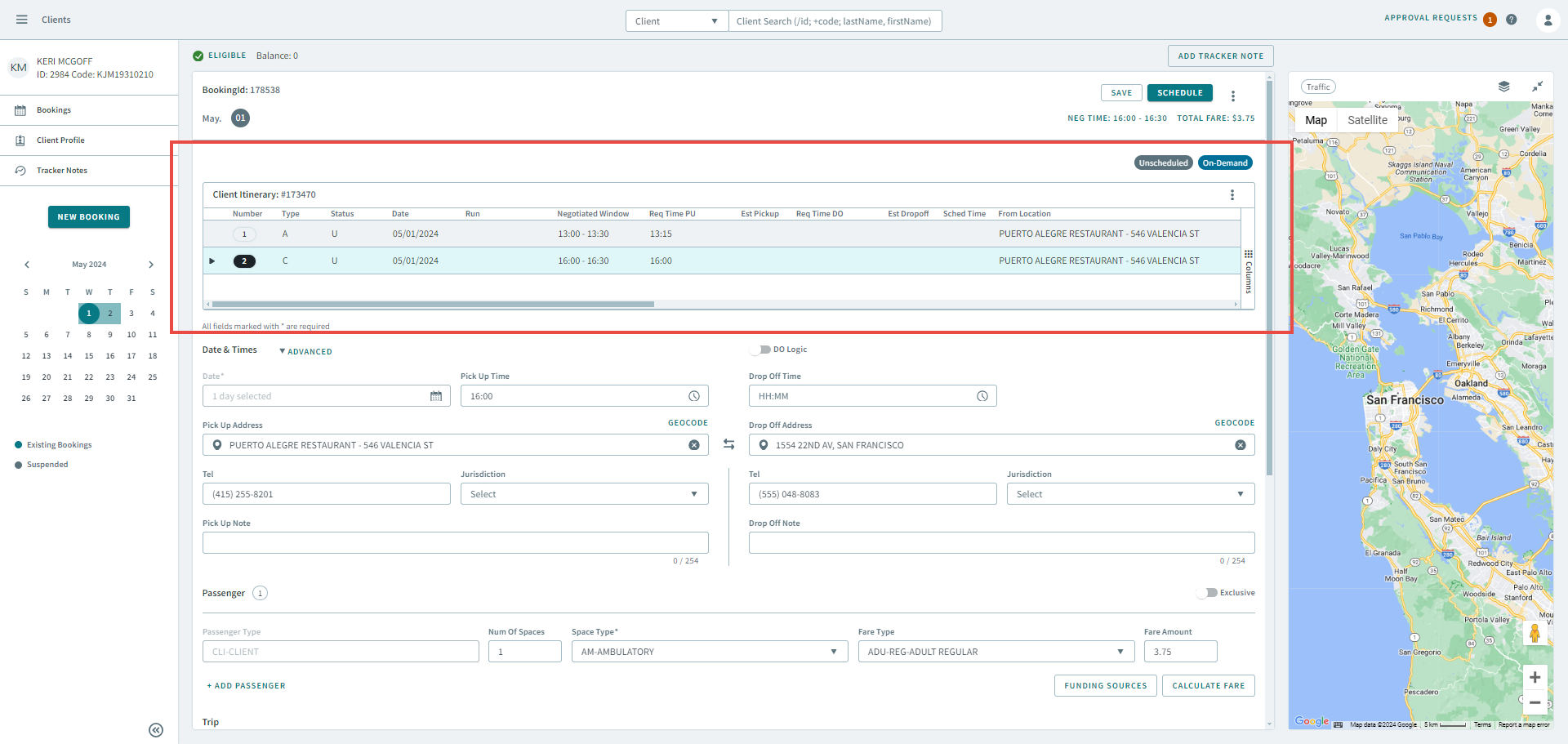
- Trip confirmation - When a client calls requesting trip information for a number of trips, linked trips are highlighted for easy identification.
- Tracking client trips - When one trip is dependent on another (for example, multi-leg bookings), OneMobility allows you to cancel all trips in an itinerary when you cancel one trip and to schedule itinerary trips simultaneously.