
Managing a Client Itinerary
Instead of searching for bookings to modify individually, a client itinerary displays linked bookings so that you can conveniently edit and cancel them all at once.
Procedure
-
Do the following to open a client's itinerary:
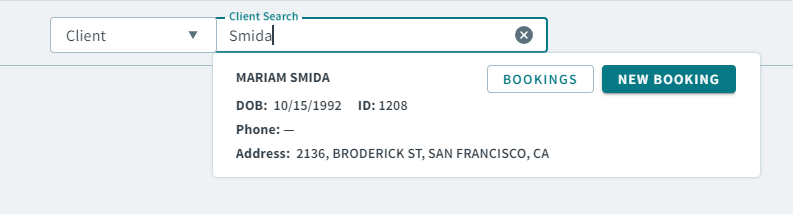
- Type a client name or ID in the Global Search Bar.
-
When your client search result appears, click
Bookings in the client card result.
In the client's Bookings grid, the Itin. ID column tells you which of the bookings are linked.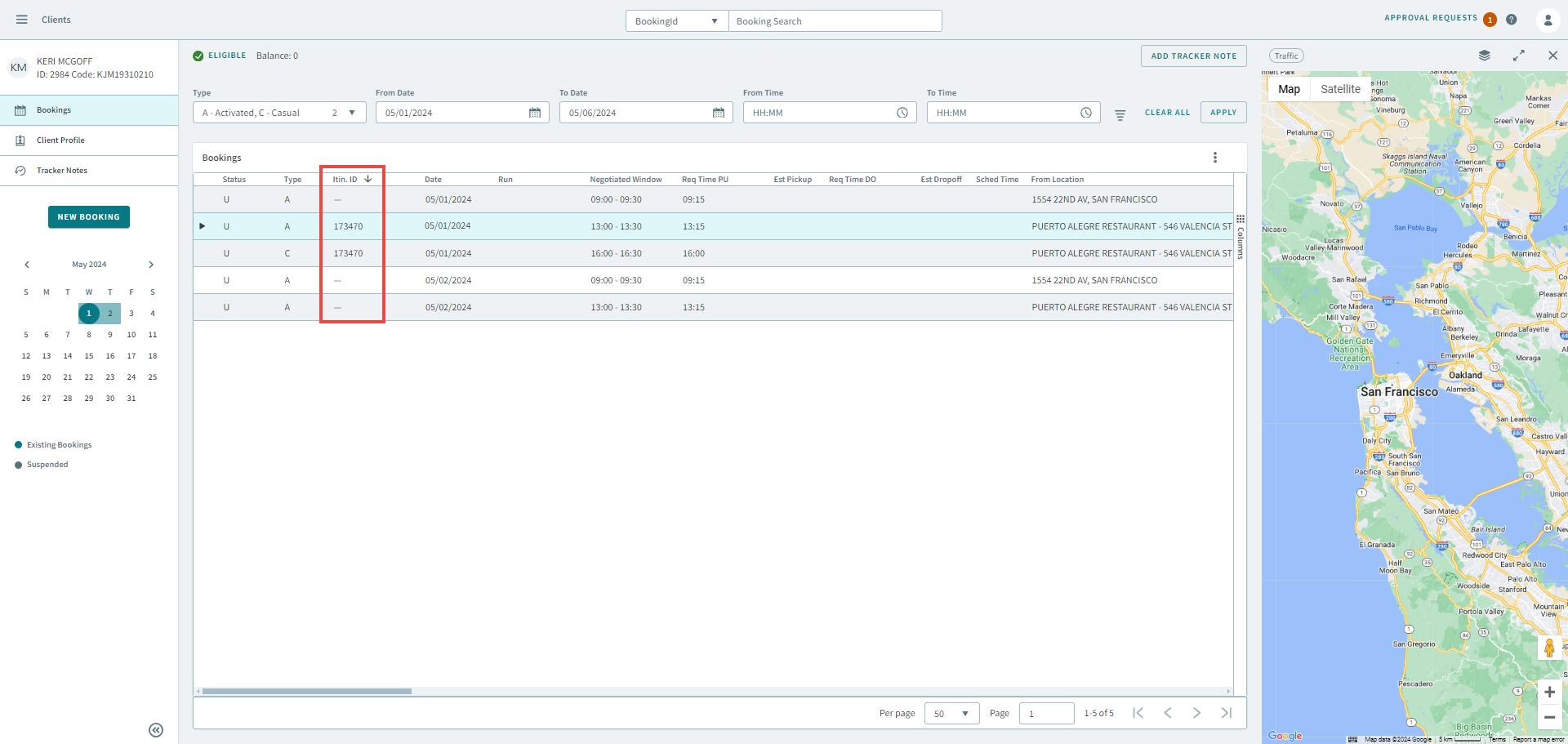
- Select a linked booking.
-
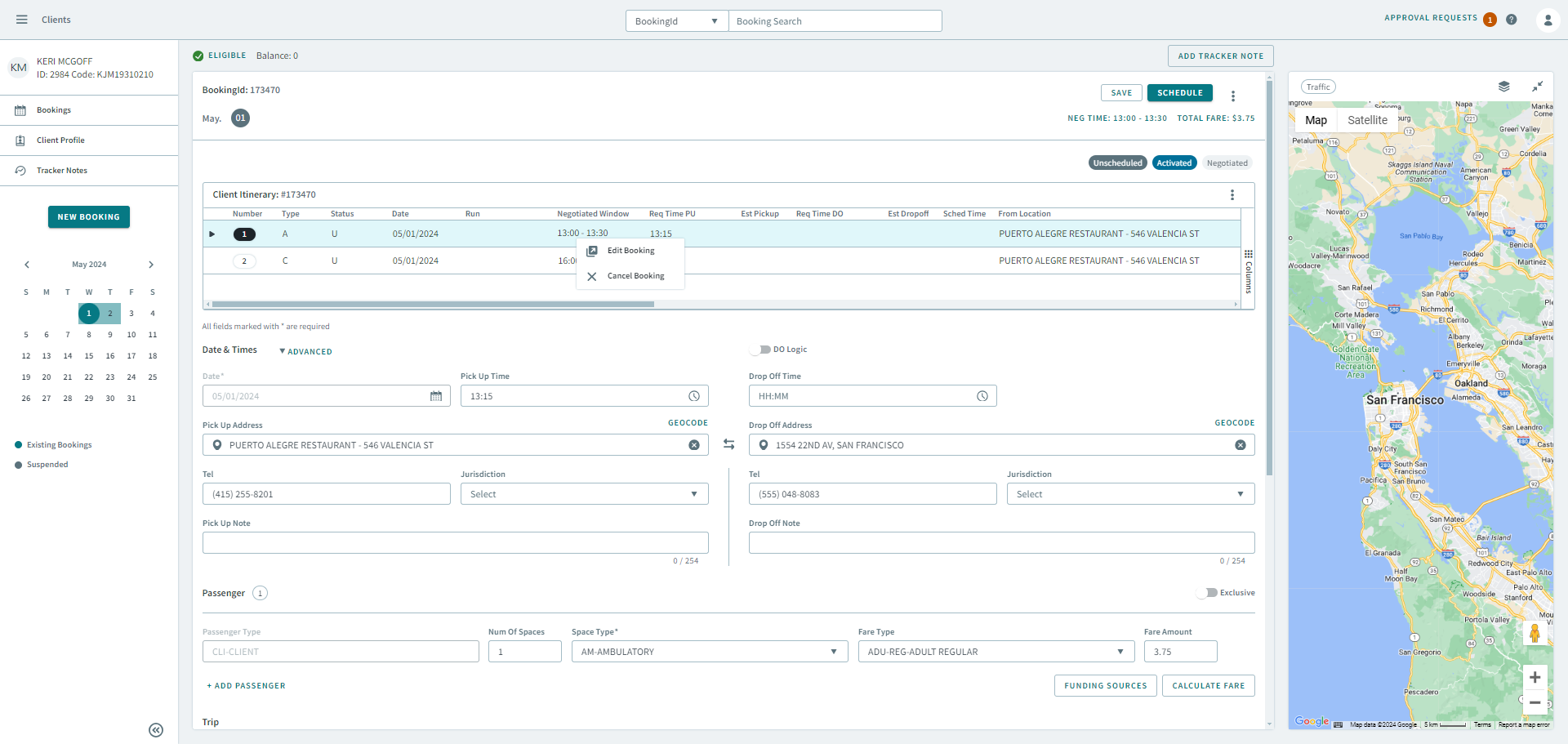
In the Client Itinerary, right-click a booking.
A shortcut menu appears.
-
Do the one of the following.
- Select Edit to modify the booking.
- Select Cancel to cancel the booking.