Viewing Leave Balances
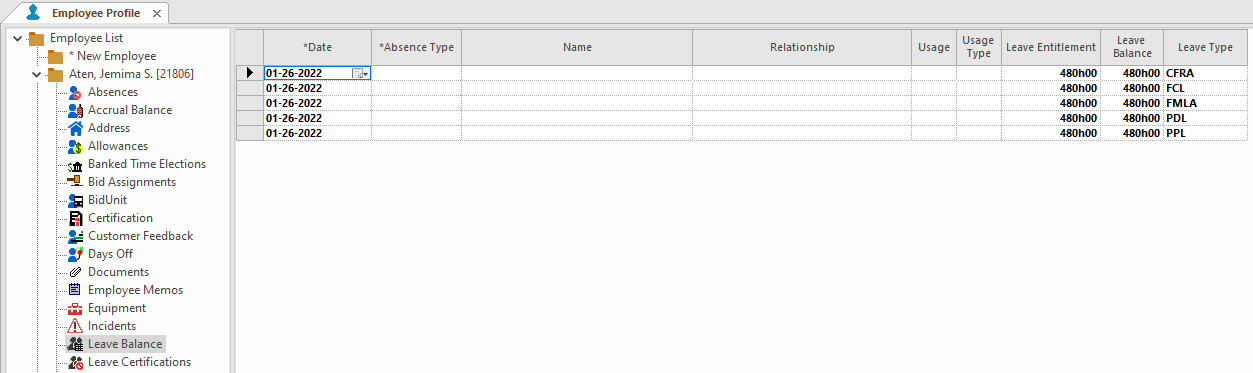
View employee leave balances in the Employee Profile screen.
- Open the Employee Profile screen and set the Context (F3).
- Select an employee.
-
Select Leave Balance.
Depending on system configuration, this may be named after a specific certification type. For example, FMLA Balance or FCL Balance.