
Deleting Breaks in a Run Itinerary
You can delete breaks from a run itinerary when it is no longer required.
Before you begin
Procedure
-
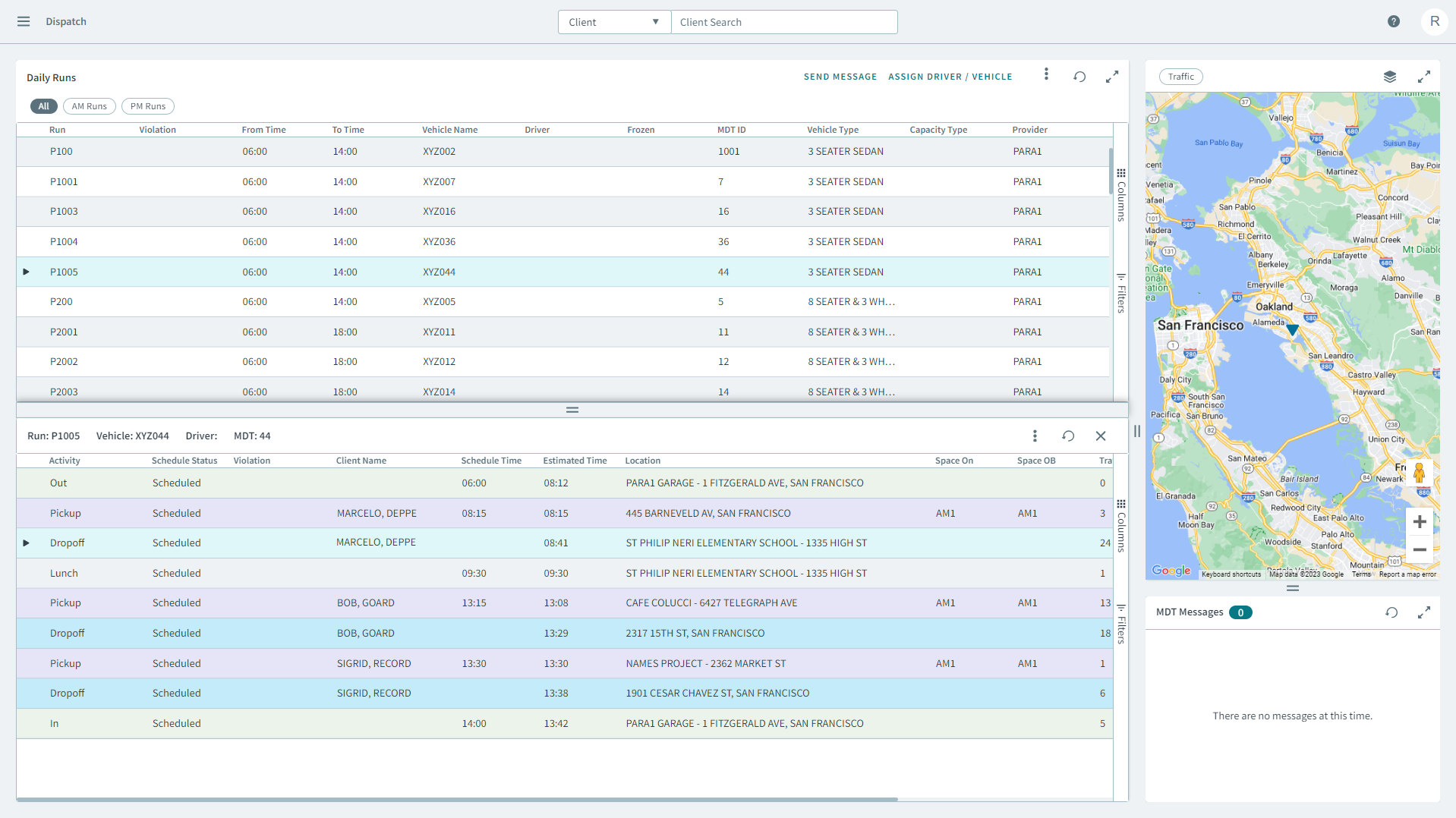
Select a run from the grid.
The run's itinerary displays in a separate pane below.
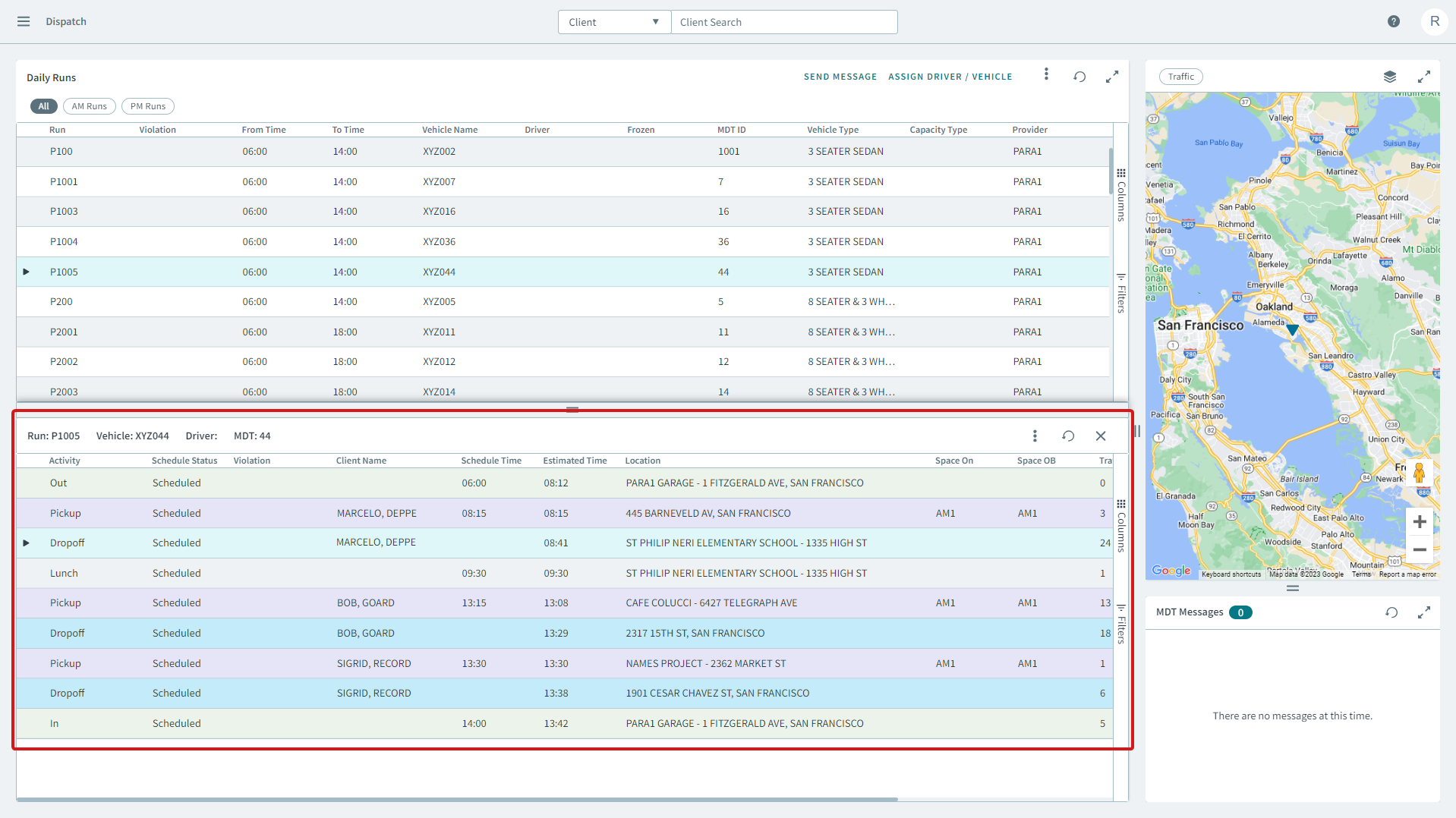
- To delete breaks, right-click the break from the run itinerary, and in the shortcut menu, click Delete Break.
- Click Yes to delete the break.