Viewing Tracker Notes in Dispatch
You may want to record information and reminders while communicating with drivers during your shift.
Before you begin
Procedure
-
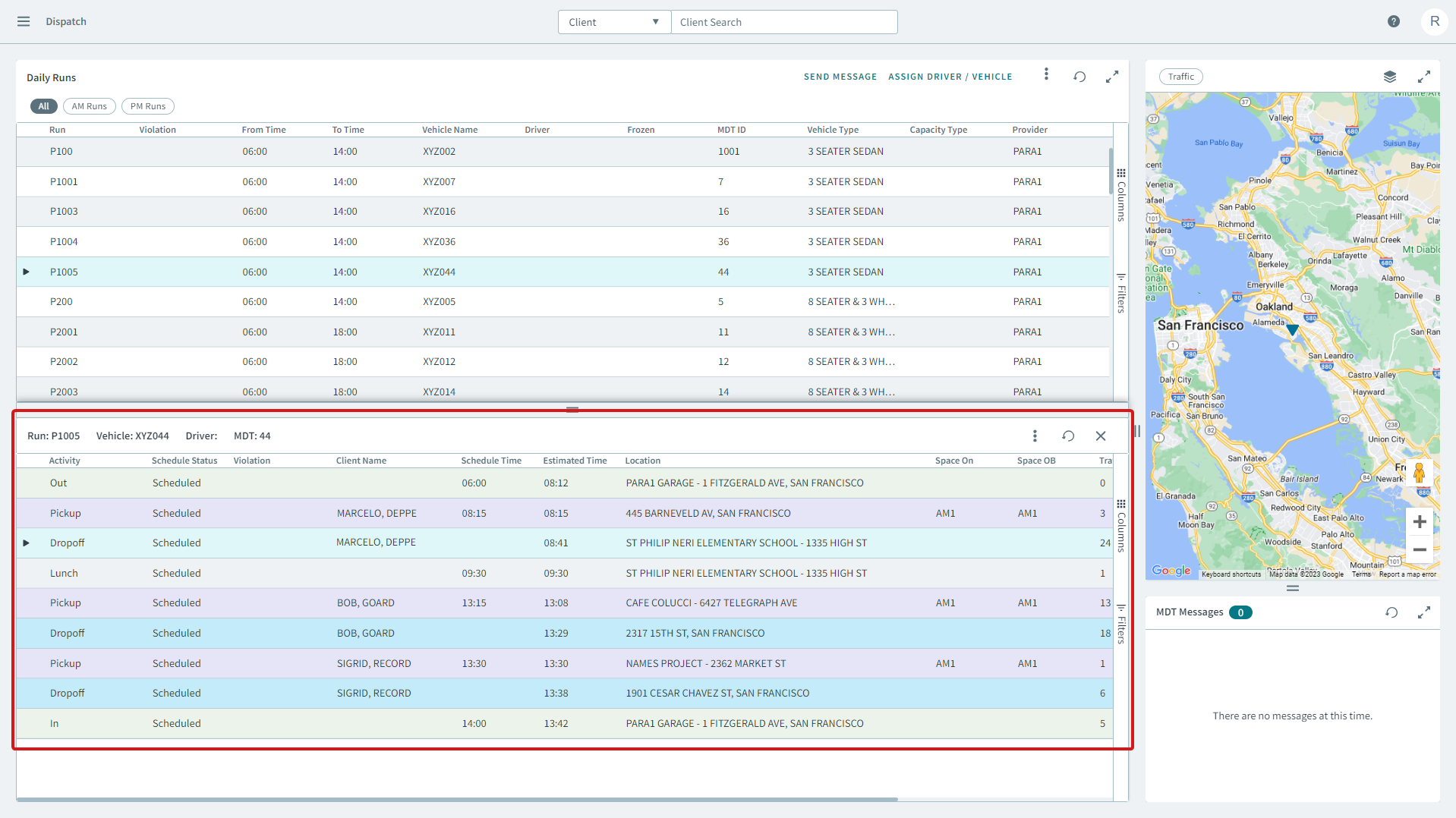
Select a run from the Daily Runs pane.
The run opens in the Run Itinerary pane.
-
To view tracker notes for the run, right-click a trip and select
Tracker Notes from the pop-up window, or click the
three vertical dots icon and select Tracker Notes from
the pop-up window.
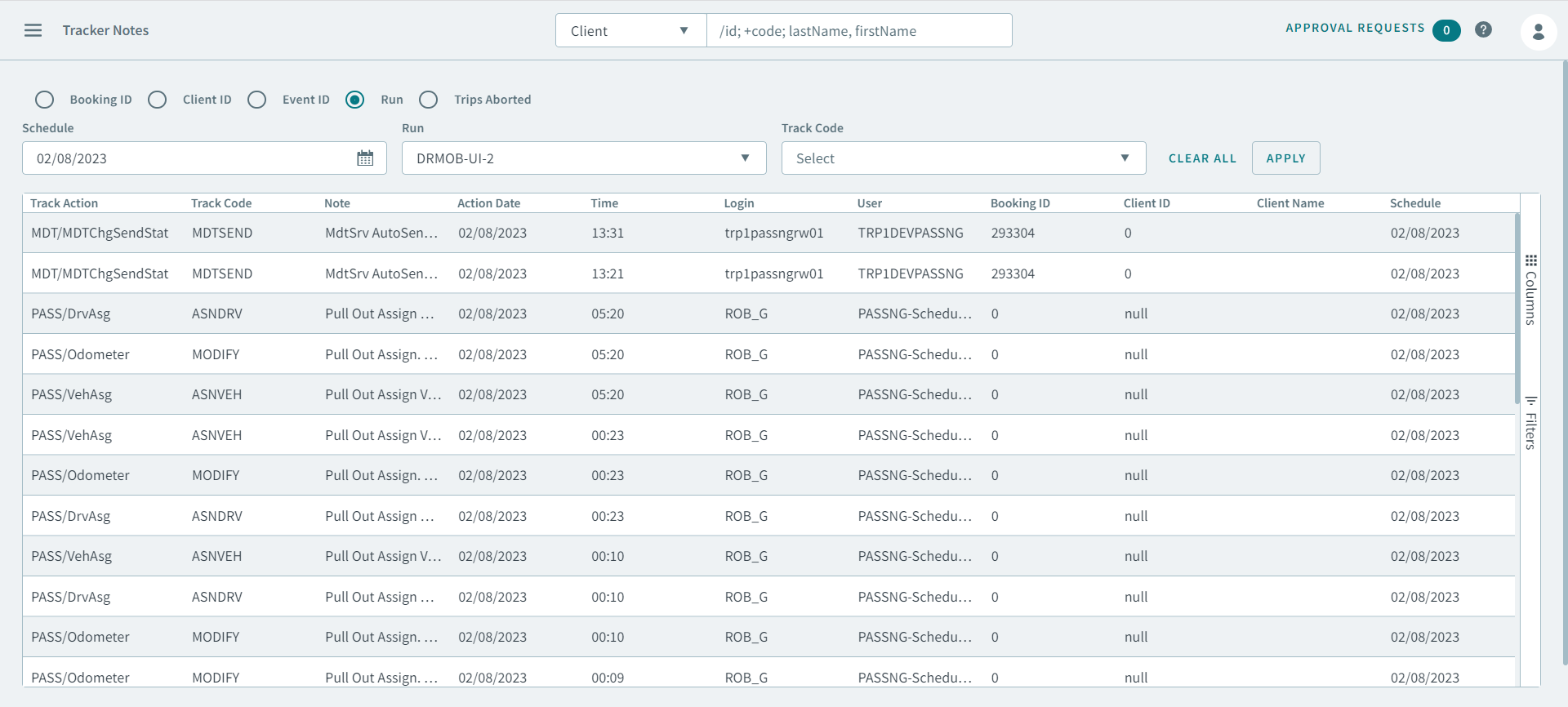
The tracker notes for the run is displayed in the Tracker Notes page.