
Viewing and Replying to Incoming Messages from Drivers.
You can view and reply to messages sent from drivers using their on-board MDT.
Before you begin
About this task
Procedure
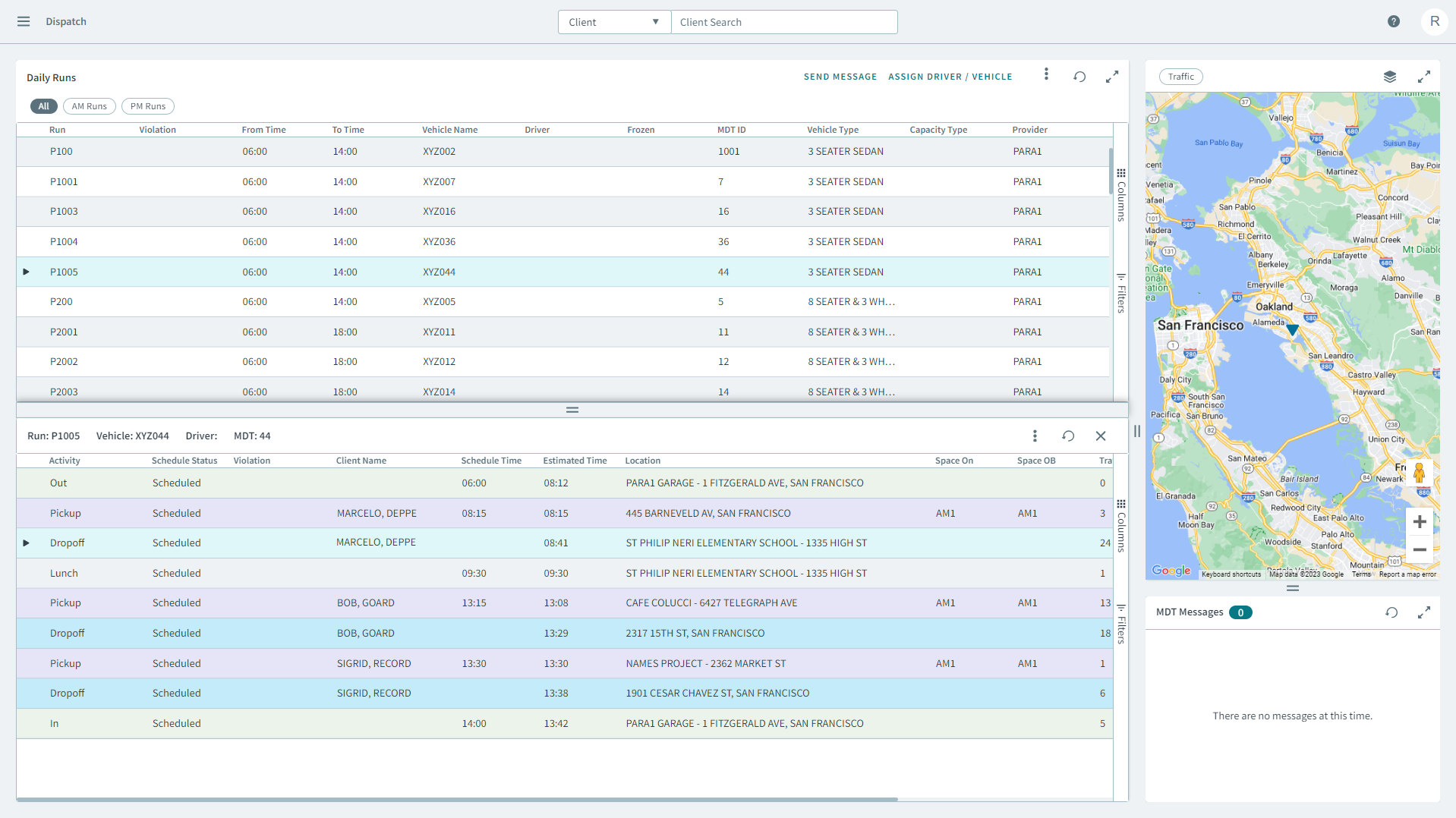
- In the Daily Runs pane, click on a run.
- In the MDT Messages pane , you can view a list of incoming messages from MDTs.
-
Right click a message and in the pop-up window click
Reply.
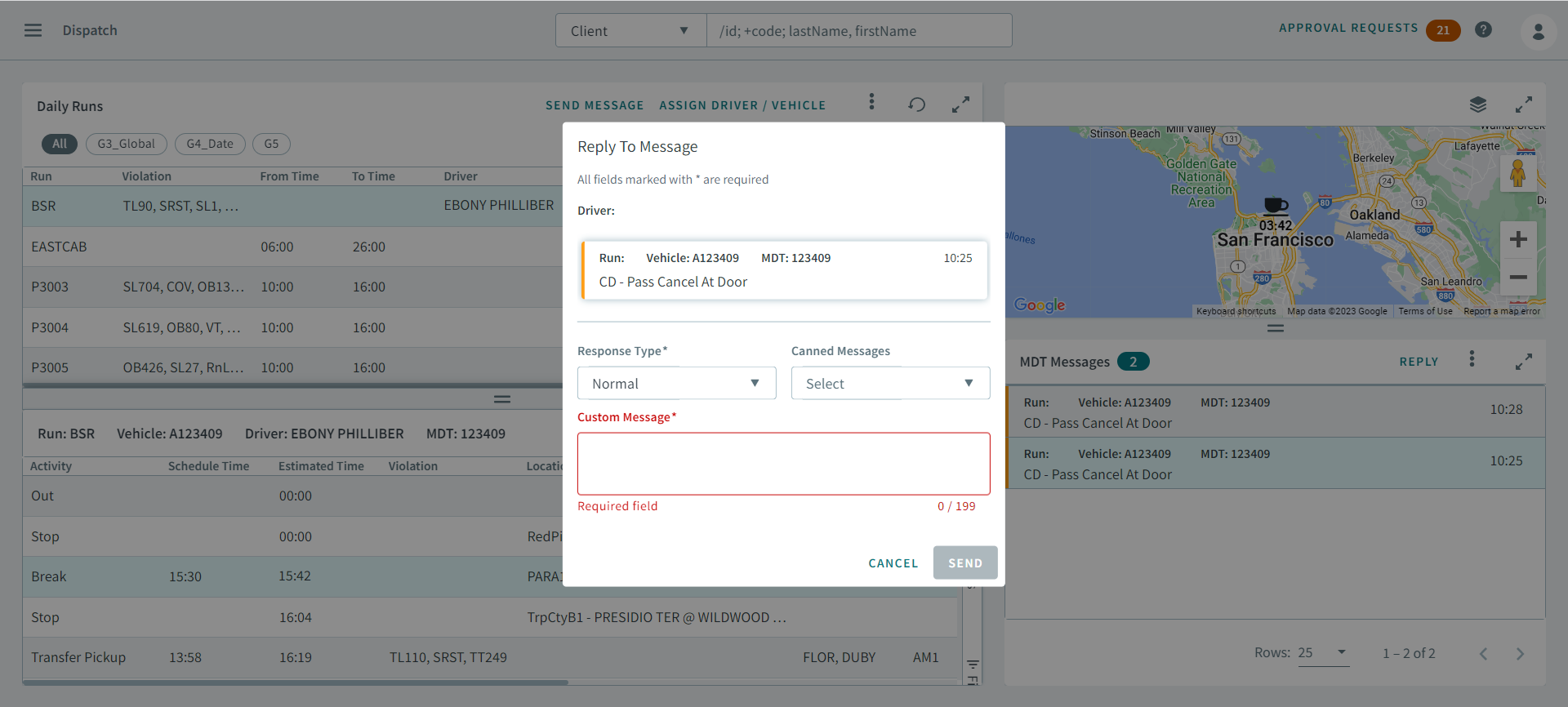
The Reply To Message dialog box opens.
-
Select the following types from the Response Type
drop-down list.
- Normal
- Acknowledgement Required
- Response Required
- Optional:
Select a message from the Canned Messages drop-down
list.
Remember:Canned messages are ancillary data. Every transit agency will have their own list of customized canned messages to select from.The canned message will display in the Custom Message pane.
- Enter a message that you want to send to reply to the driver in the Custom Message pane.
- Click Send.