
Cancelling Trips in Dispatch
You can cancel Trips from the Dispatch page.
Before you begin
Procedure
-
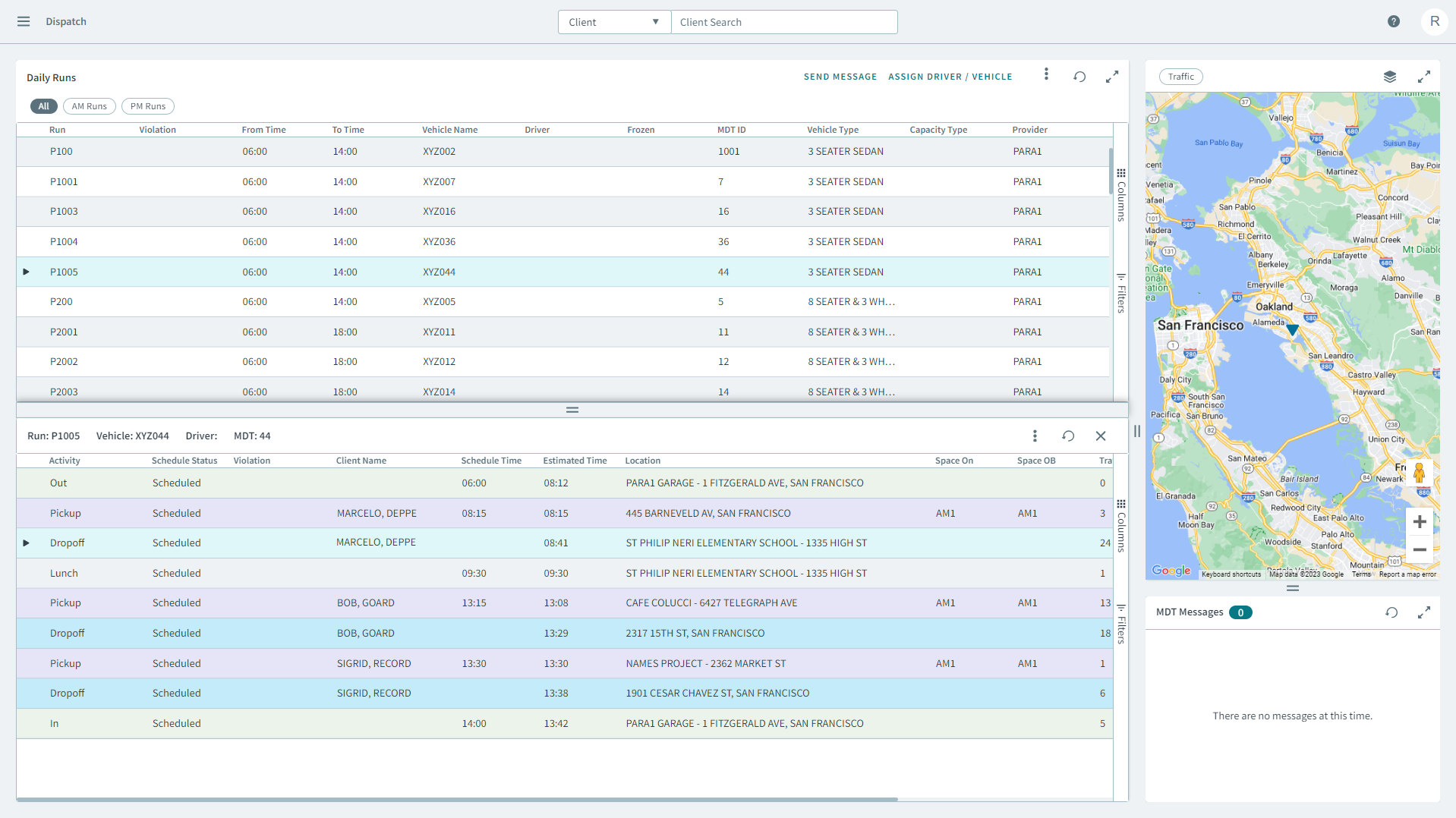
Select a run from the grid.
The run's itinerary displays in a separate pane below.
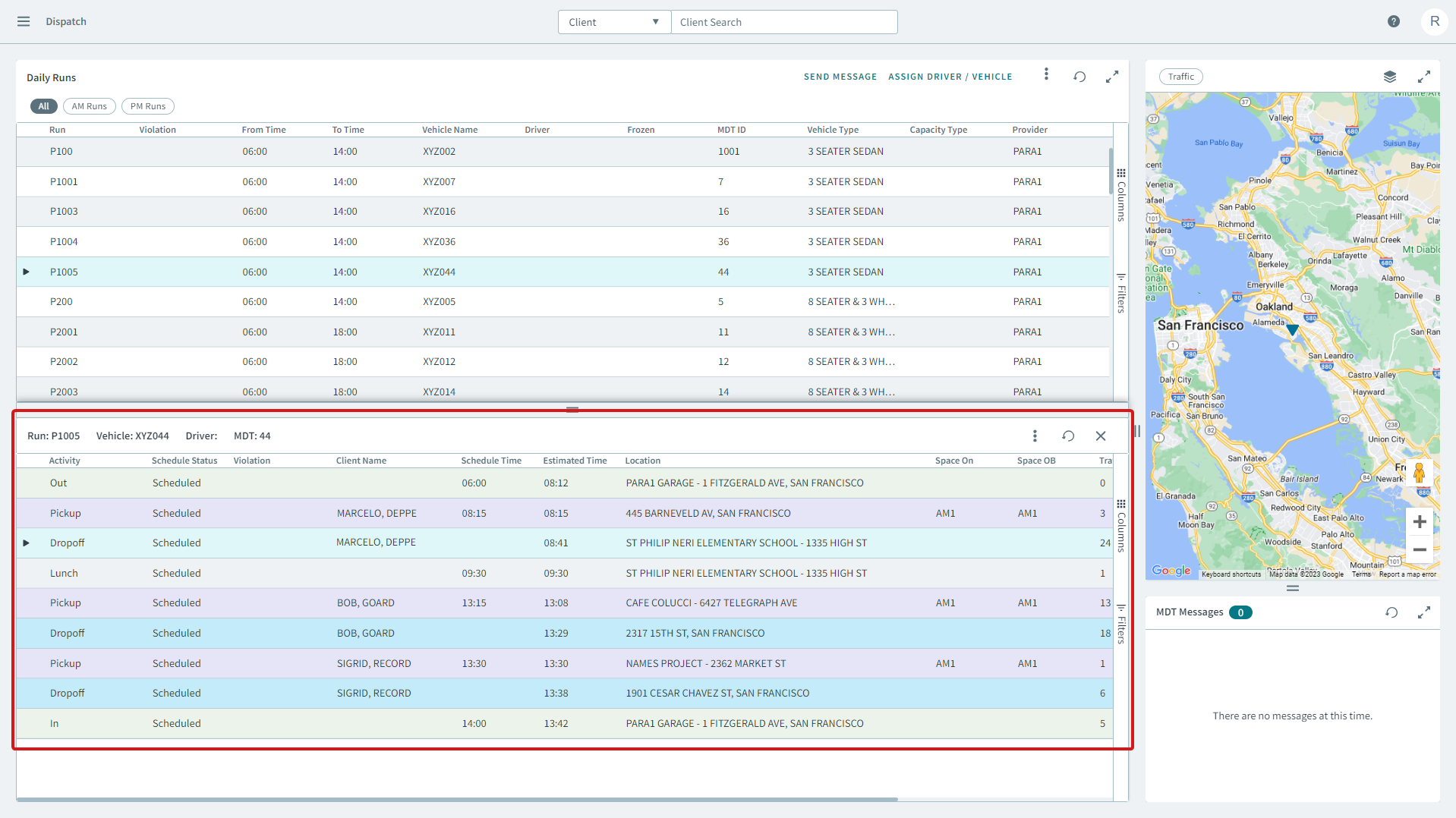
- Right-click a pick up or drop off from the run's itinerary, and in the shortcut menu, click Cancel Trip.