
Marking an MDT Message as Done
You can mark messages sent from drivers using their on-board MDT as done.
Before you begin
About this task
Procedure
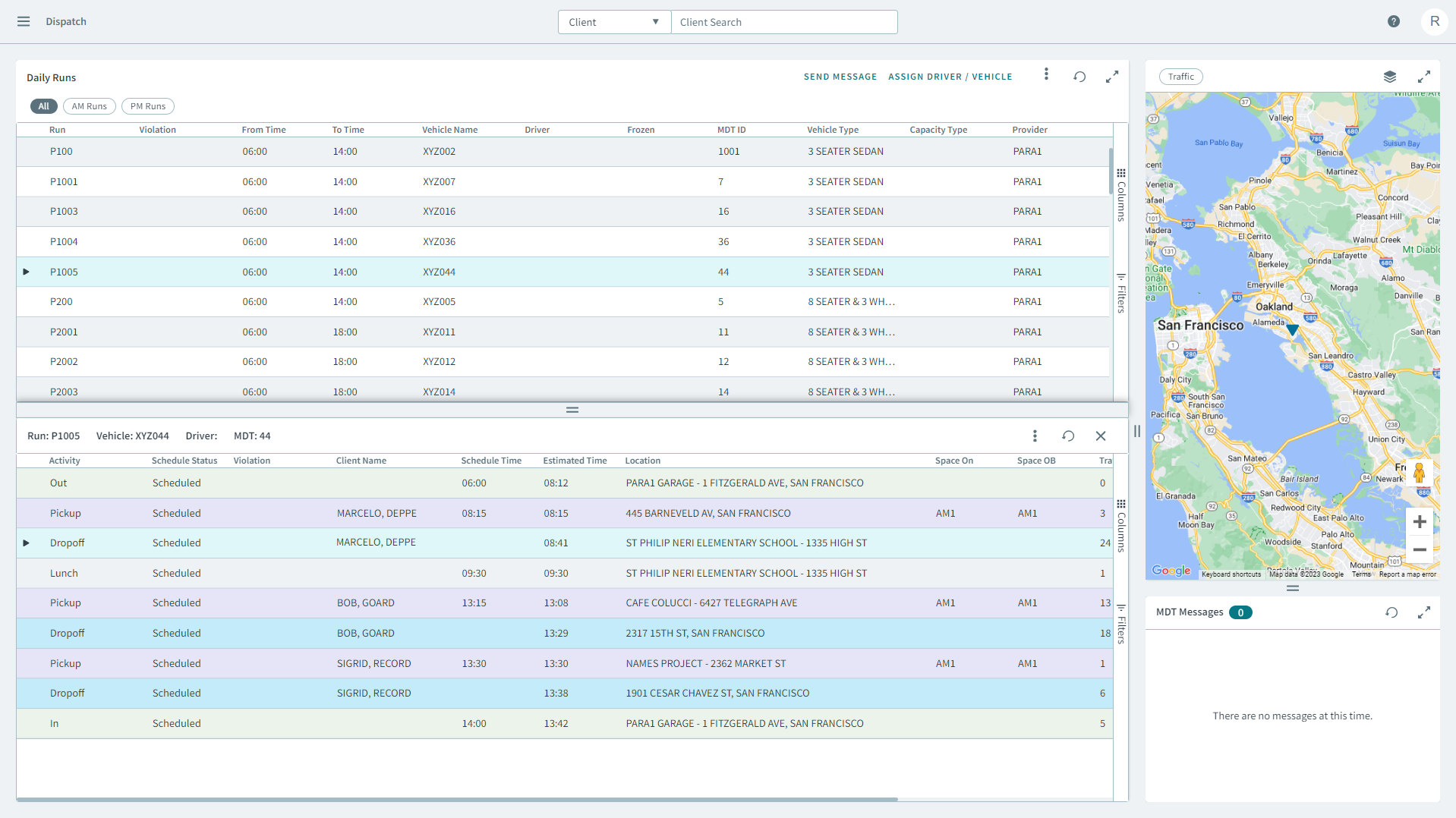
- In the Daily Runs pane, click on a run.
- In the MDT Messages pane , you can view a list of incoming messages from MDTs.
-
Right click a message and in the pop-up window click Mark
Done.
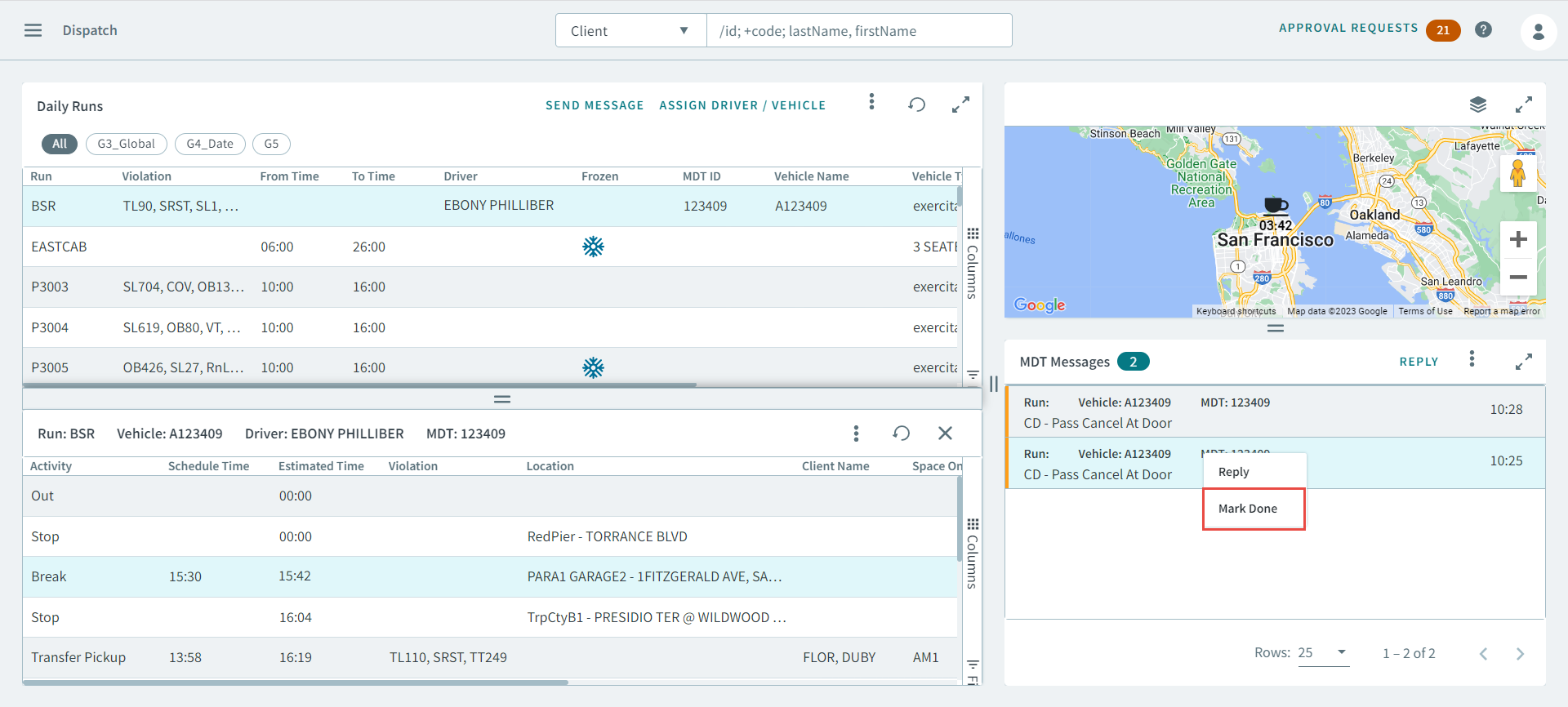
The message will be marked as done and removed from the MDT Messages pane.