
Adding Alerts
Other OneMobility users can be provided with important client information through alerts.
Before you begin
Procedure
-
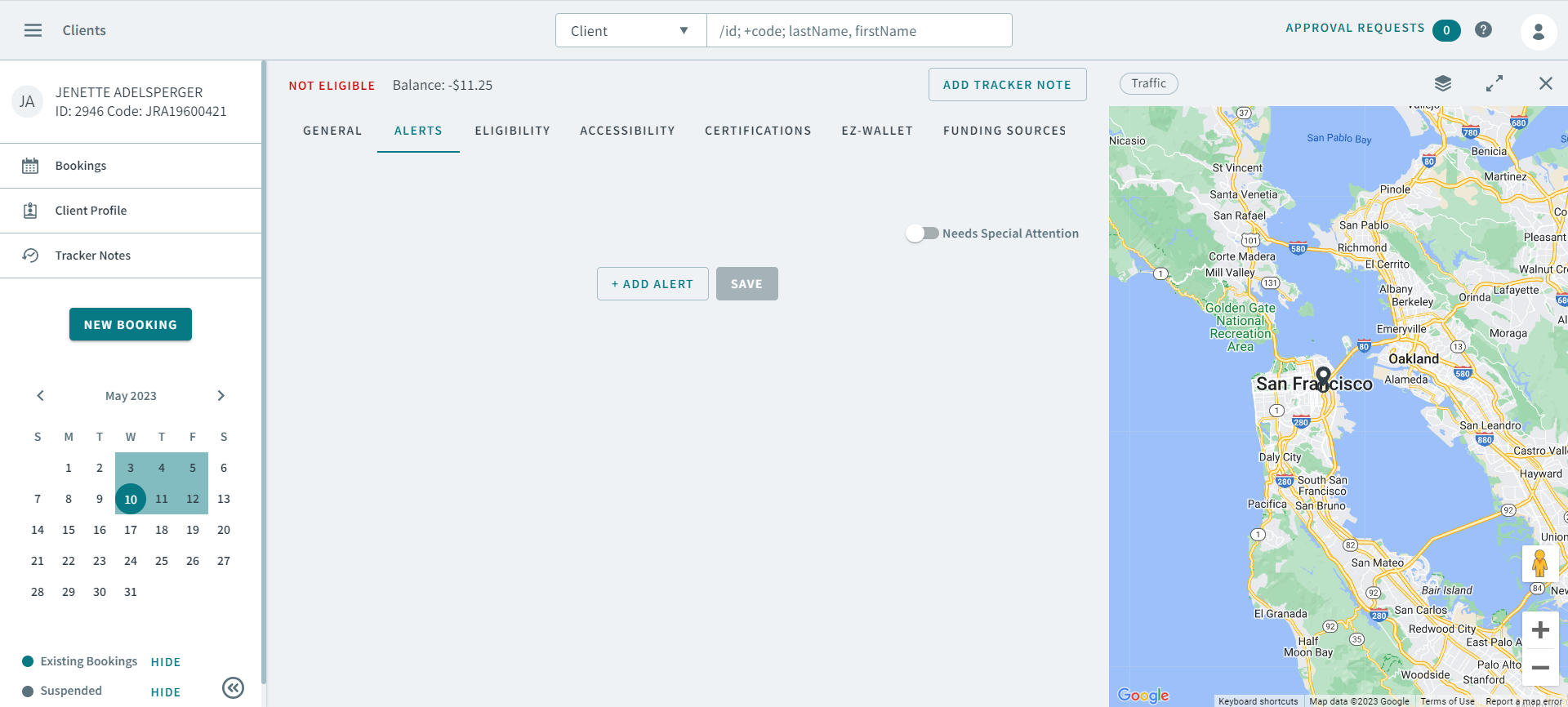
In the client profile, click the Alerts tab.
The Alerts tab opens.
-
Click Add Alert.
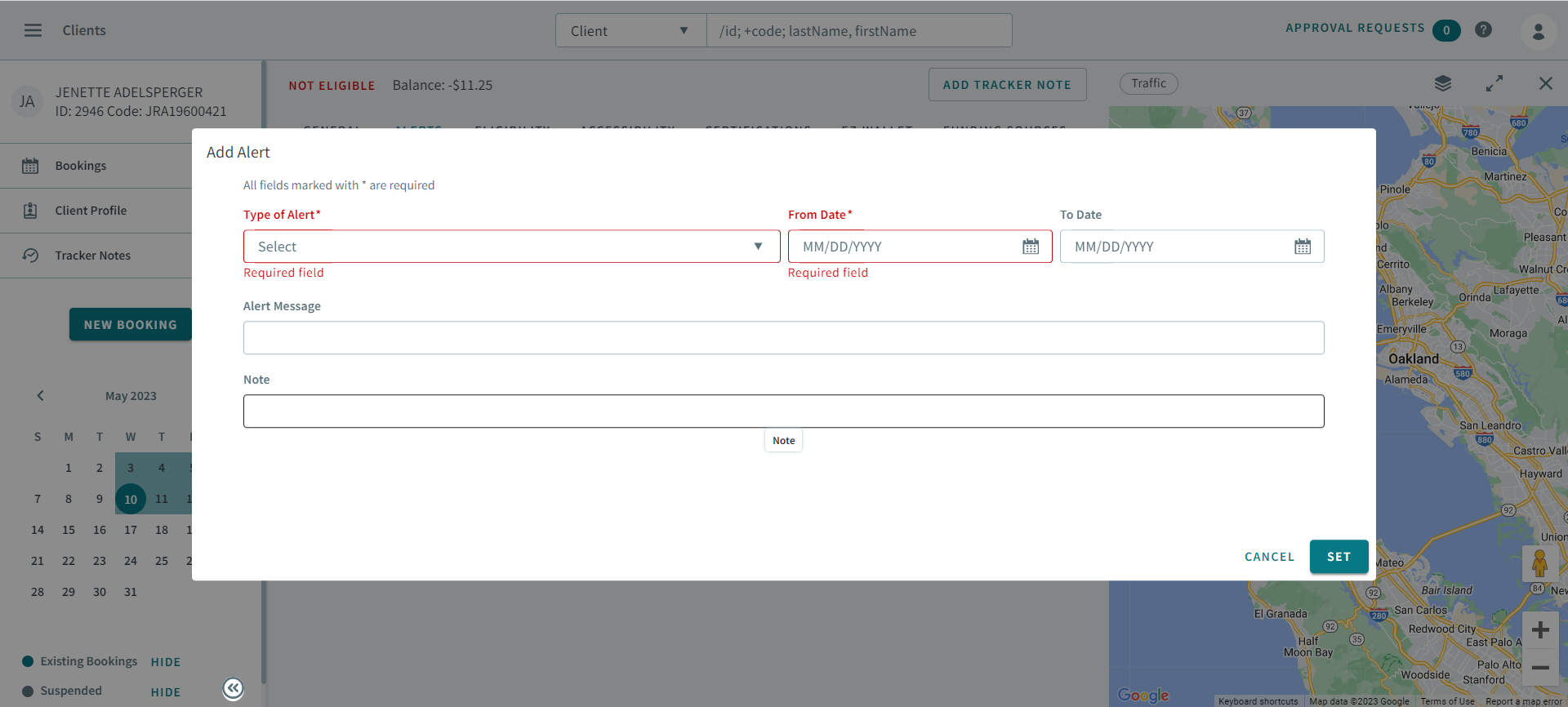
The Add Alerts dialog opens
-
In Type of Alert, select an alert type.
Notice:If an alert type is not listed, you must add alert types in the Ancillary page, or contact your Administrator.
- Specify the From Date and the To Date during which the alert will display for the client.
- In the Alert Message box, enter the alert message.
- In the Note box, enter additional information relevant to the alert.
- Click Set.