
Assigning Providers
Clients who ride exclusively with a certain provider can have the provider assigned to them ahead of time.
Before you begin
- A client profile must be open.
- Provider ancillary data must be created.
Procedure
-
Click the Providers tab.
The Providers tab opens.
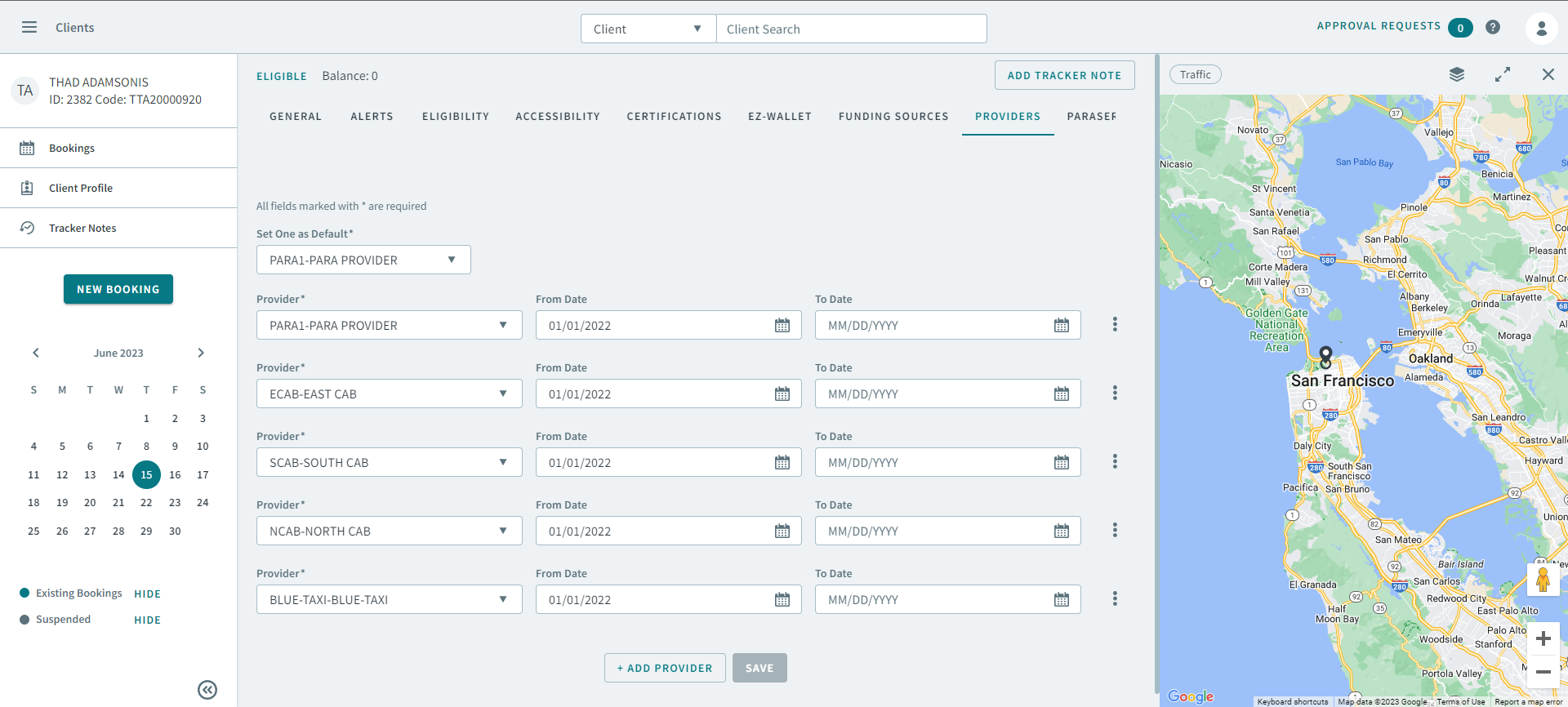
- Select a provider from the Provider(s) dropdown list.
- Type or select a date in From Date and To Date to specify when the client can receive service from the provider.
- Optional: To add another provider, click Add Provider.
-
In Set One as Default, select whether a provider will be
the client's default.
Note:This provider is auto-populated in the Provider field in all of the client's bookings.
- Click Save.