Enabling EZ-Wallet
EZ-Wallet is a fare management process to more easily manage payments for client trips.
Before you begin
About this task
EZ-Wallet shows client transactions and more efficiently credit, debit, top up, and adjust client purses. Prepayment of trips reduces the exchange of money between clients and drivers and provides clients peace of mind that their trip fare has been taken care of before pick up. Clients can purchase or be refunded for money deposited to their purse, for passes, or for transportation units such as tickets or tokens.
Procedure
-
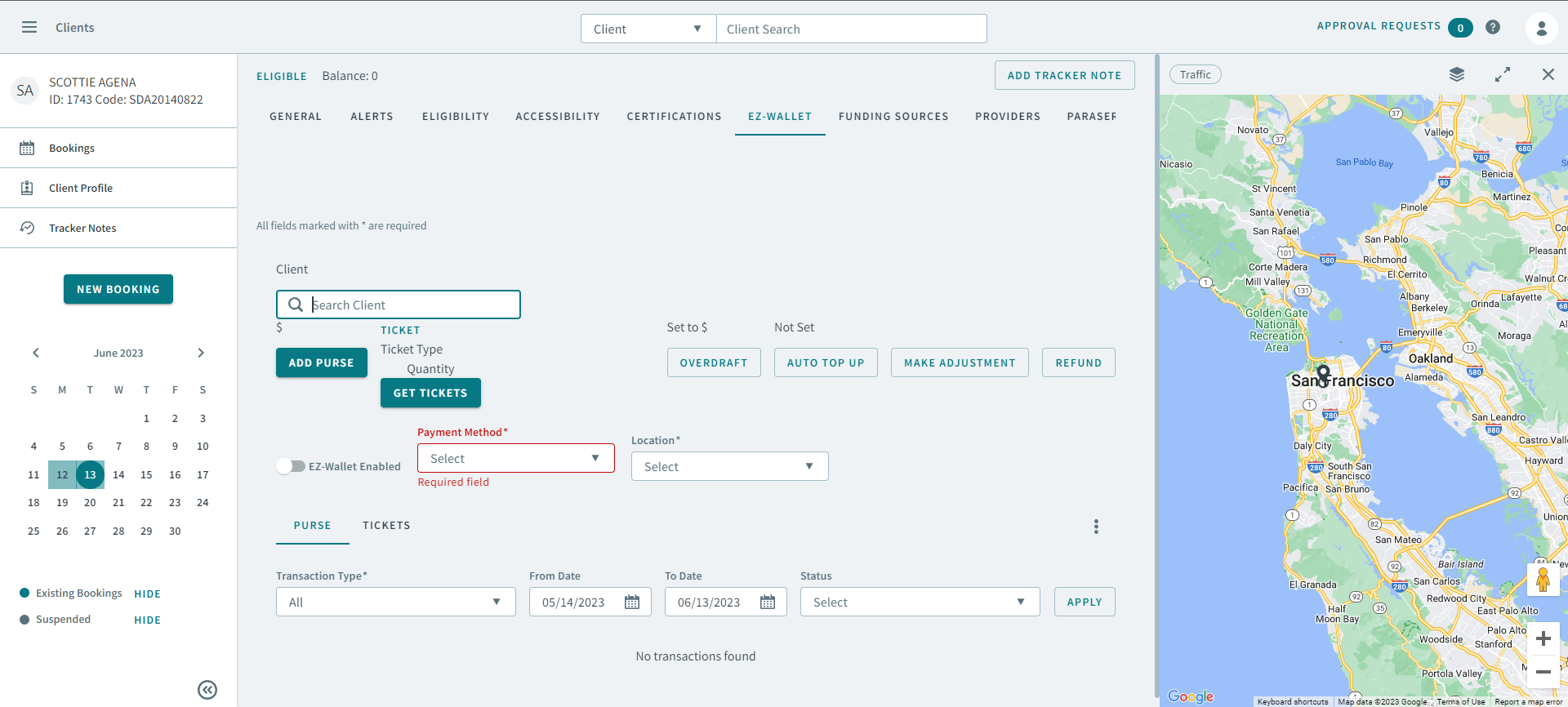
Click the EZ-Wallet tab.
The EZ-Wallet tab opens.
-
Click Add Purse.
The Add to Purse dialog box opens

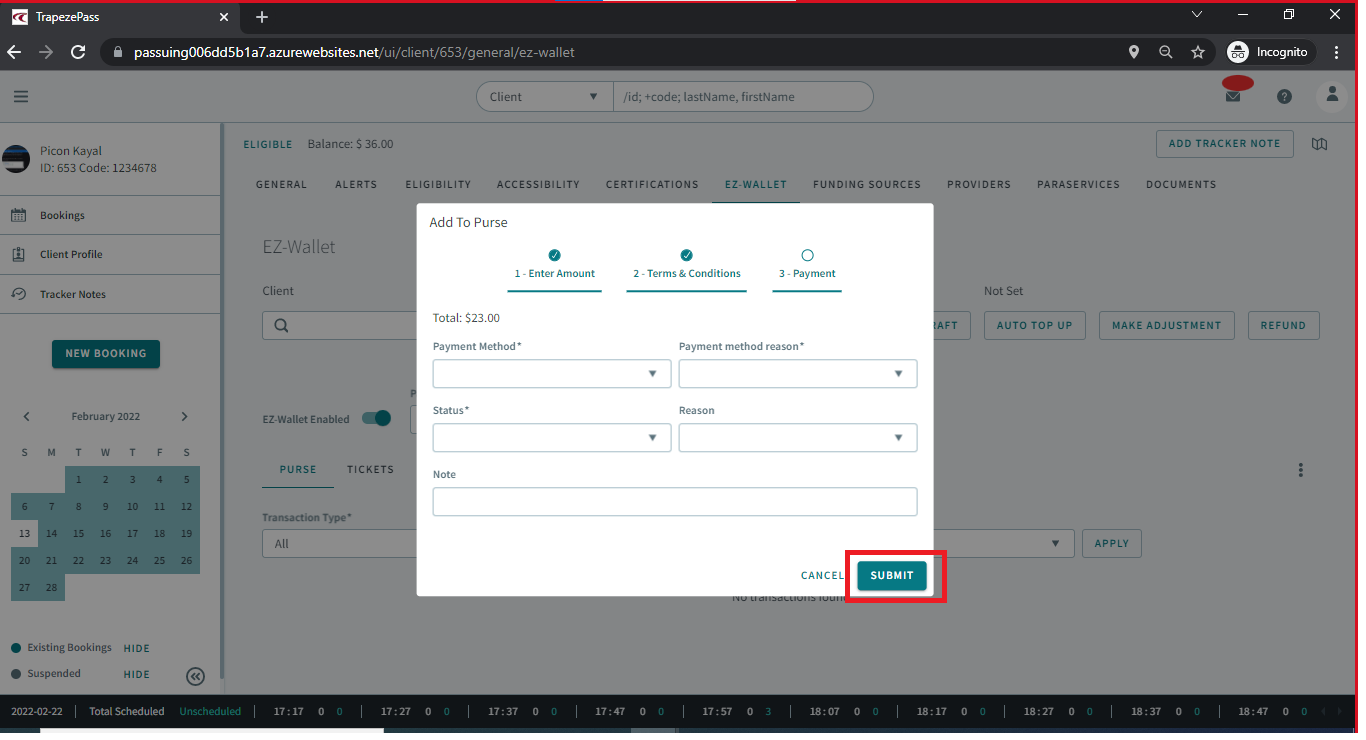
- Enter the deposit amount and click Next.
-
Read the Terms and Conditions (if available), and click
Agree.

- Select the applicable options from the following payment dropdown lists.
- Type information in Note.
- Click Submit.