
Adding Eligibility Conditions
Eligibility conditions are site specific conditions that affect the booking of a client trip.
Before you begin
Note:
Eligibility Conditions are created by the transit agency using ancillary data from
the Ancillary page or Trapeze4 Workstation.
Procedure
-
In a client profile, click the Eligibility Conditions
tab.
The Eligibility Conditions tab opens.
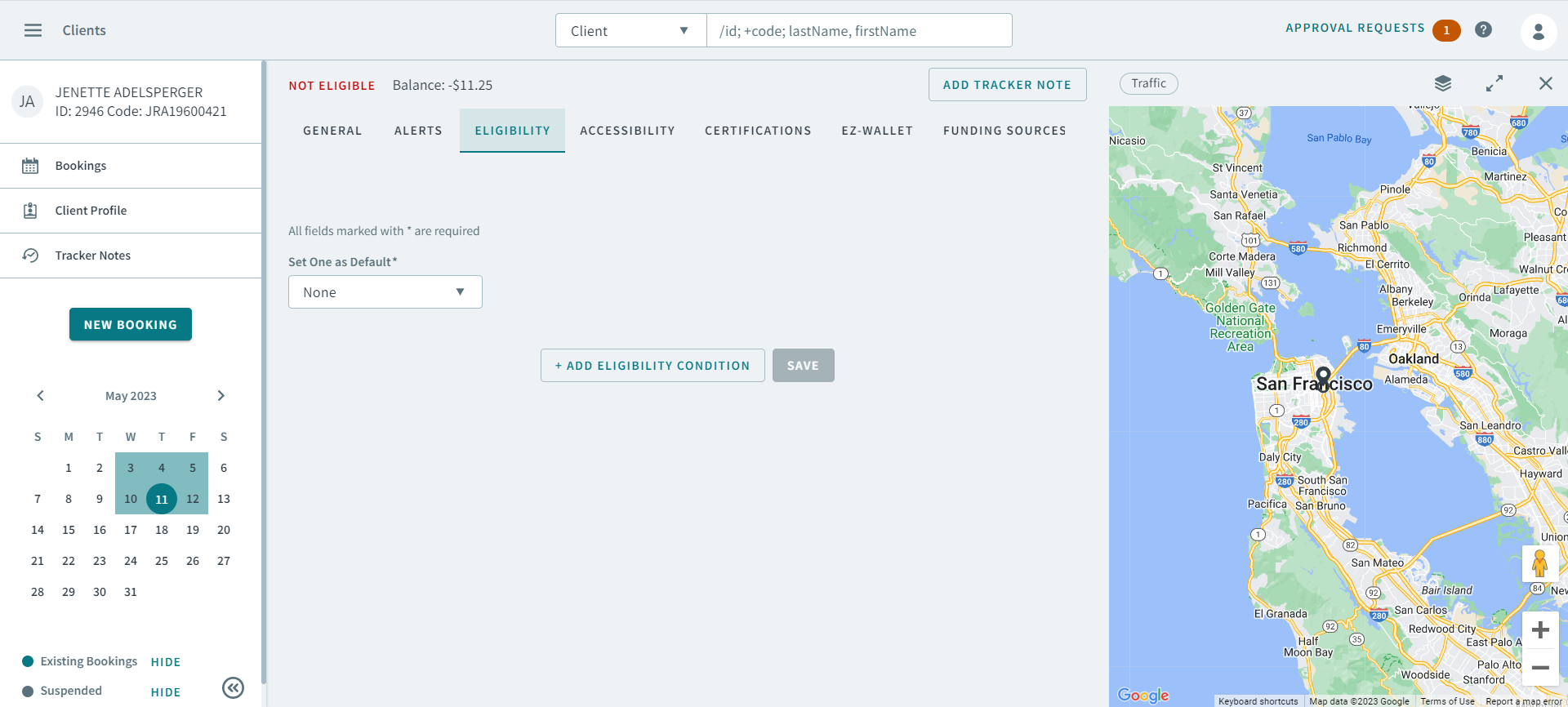
- Required:
If you previously added an eligibility condition, you can select it in the
Set One as Default dropdown list to make it the
default.
Note:The default eligibility condition determines the funding sources that are automatically populated when a new trip is booked.
-
Click Add Eligibility Condition.
The Eligibility Condition fields appear.
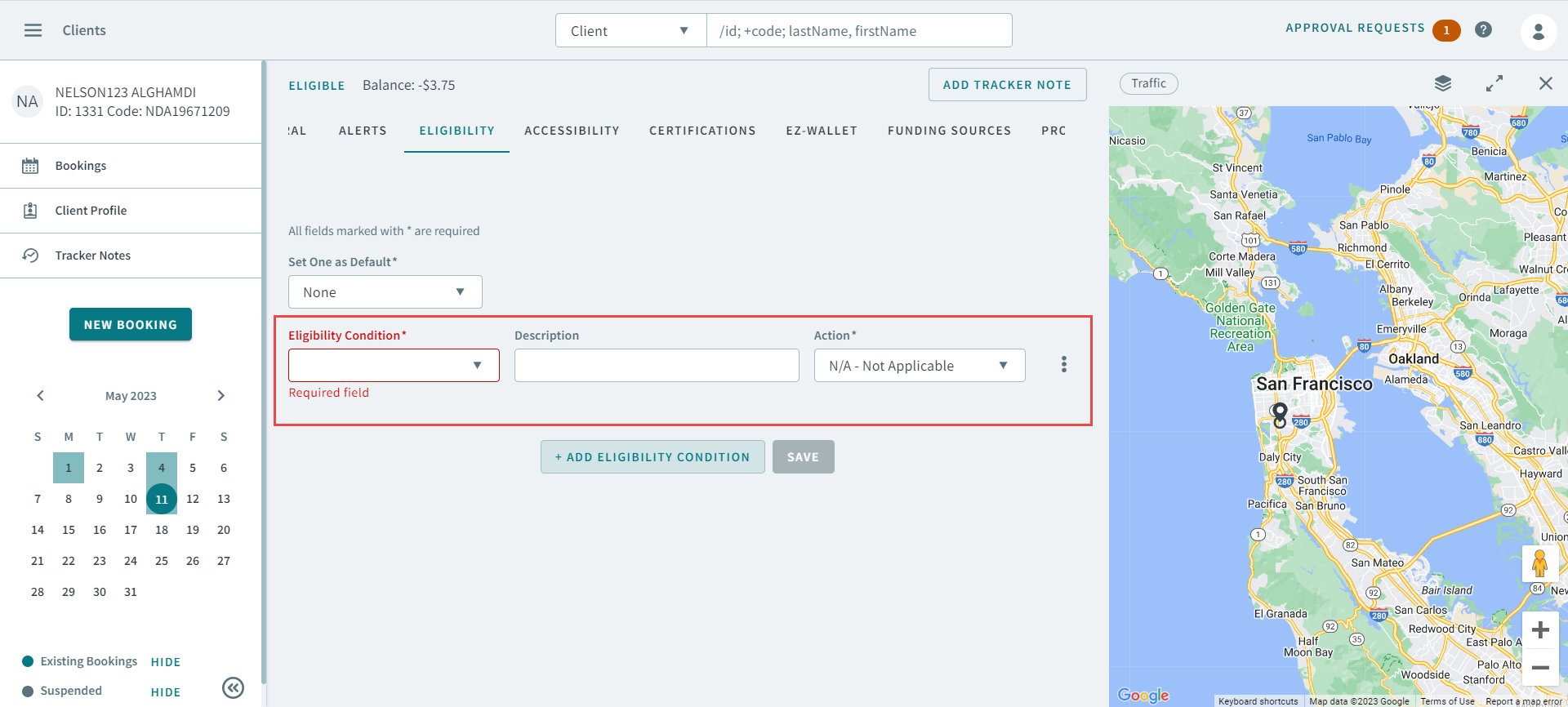
- Required: In the Eligibility Condition dropdown list, select a condition.
- In the Description box, add a description of the eligibility condition.
- In the Action dropdown list, select an action.
- Click Save.