
Adding a Rule to an Eligibility Condition
You can add rules to an eligibility condition.
Before you begin
In the client profile, the Eligibility tab must be open.
An eligibility rule must already exist for the client's eligibility condition.Procedure
-
In an existing eligibility condition, click the
 three vertical ellipsis, and then select Add
Rule in the pop-up window.
three vertical ellipsis, and then select Add
Rule in the pop-up window.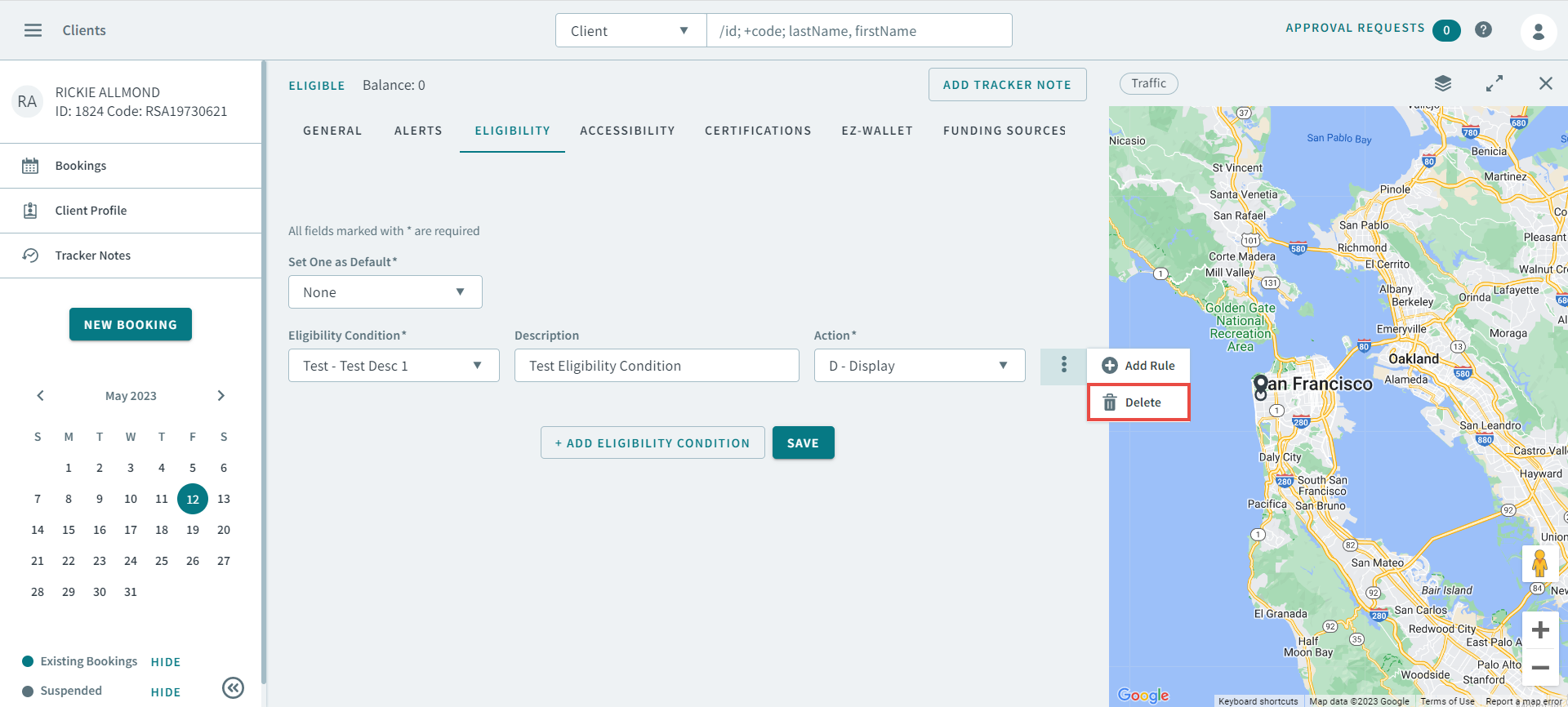
The Add Rule pop-up window opensNote:Add Rule information defines the eligibility conditions assigned to the client and the travel parameters specific to that condition.All information is optional except the From Date. You must enter a date in the From Date or the rule cannot be saved.
-
Complete the following Rule options:
- From Date
- To Date
- Mode of Transport
- Max Transfer
- Exclusive Group
- Client Period Type
- Client Period No.
- Funding Source 1
- Funding Source 2
- PurposeNote:When the rule is in effect for new bookings, the selected trip purpose appears in the Purpose field in a booking.
- Fare Type
- Paraservice
- Direct Distance Limit
- Additional PassType
- Allowed Space Type
- Max OBT
- Method of Payment
- MobAids
- Comments
- Max Walking Distance
- Require AuthorizationNo
- Booking FromTime
- Booking ToTime
- Service Parameter
- Click Save.