
Removing an Eligibility Condition
You can delete eligibility conditions from a client profile when they no longer apply.
Before you begin
- In a client profile, the Eligibility tab must be open.
- An eligibility condition must be previously added.
Procedure
-
Beside the eligibility condition that you want to delete, click
 , and then select Delete from the pop-up
window.
, and then select Delete from the pop-up
window.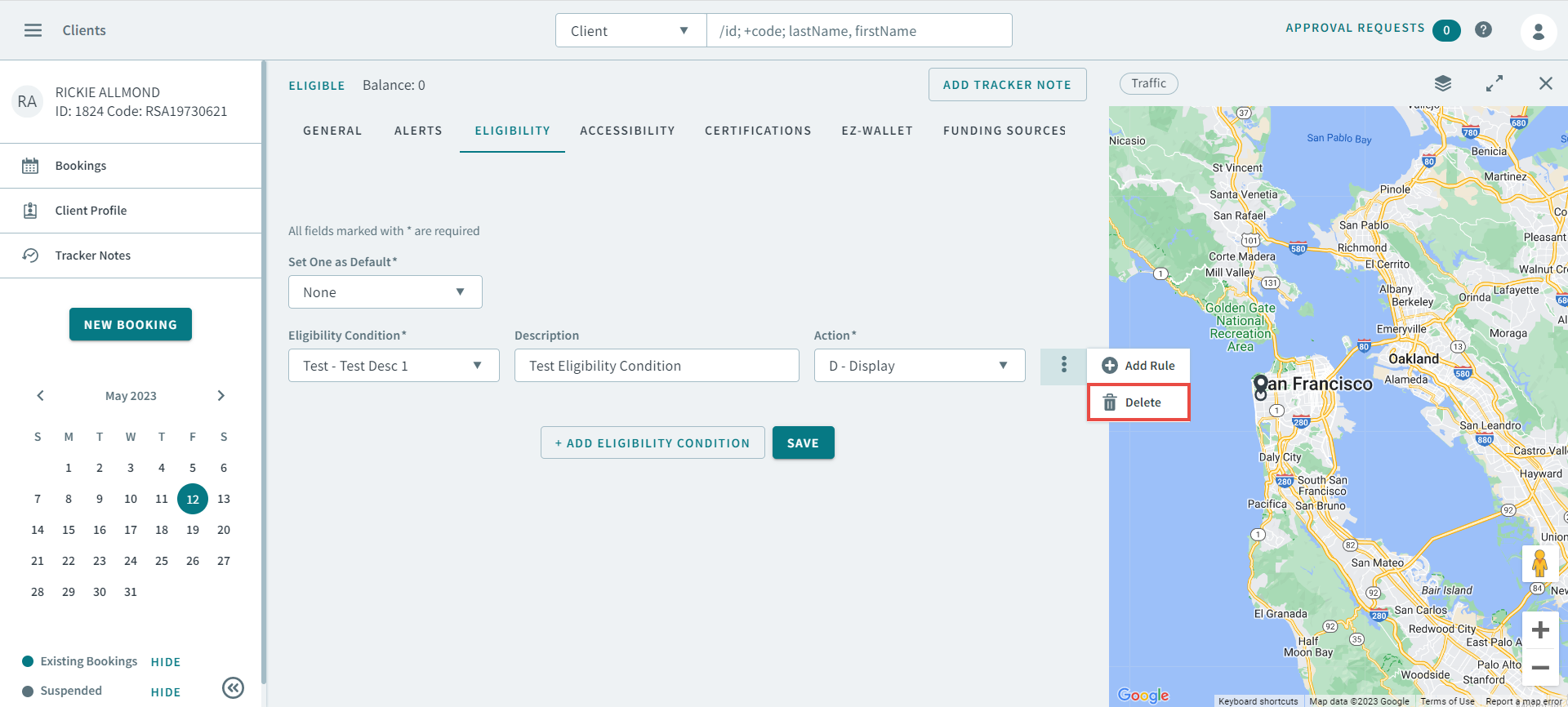
- Click Save.