
Adding Documents
Documents submitted by clients, agencies, or institutions can be attached to client records.
Before you begin
Procedure
-
Click the Documents tab.
The Documents tab opens.
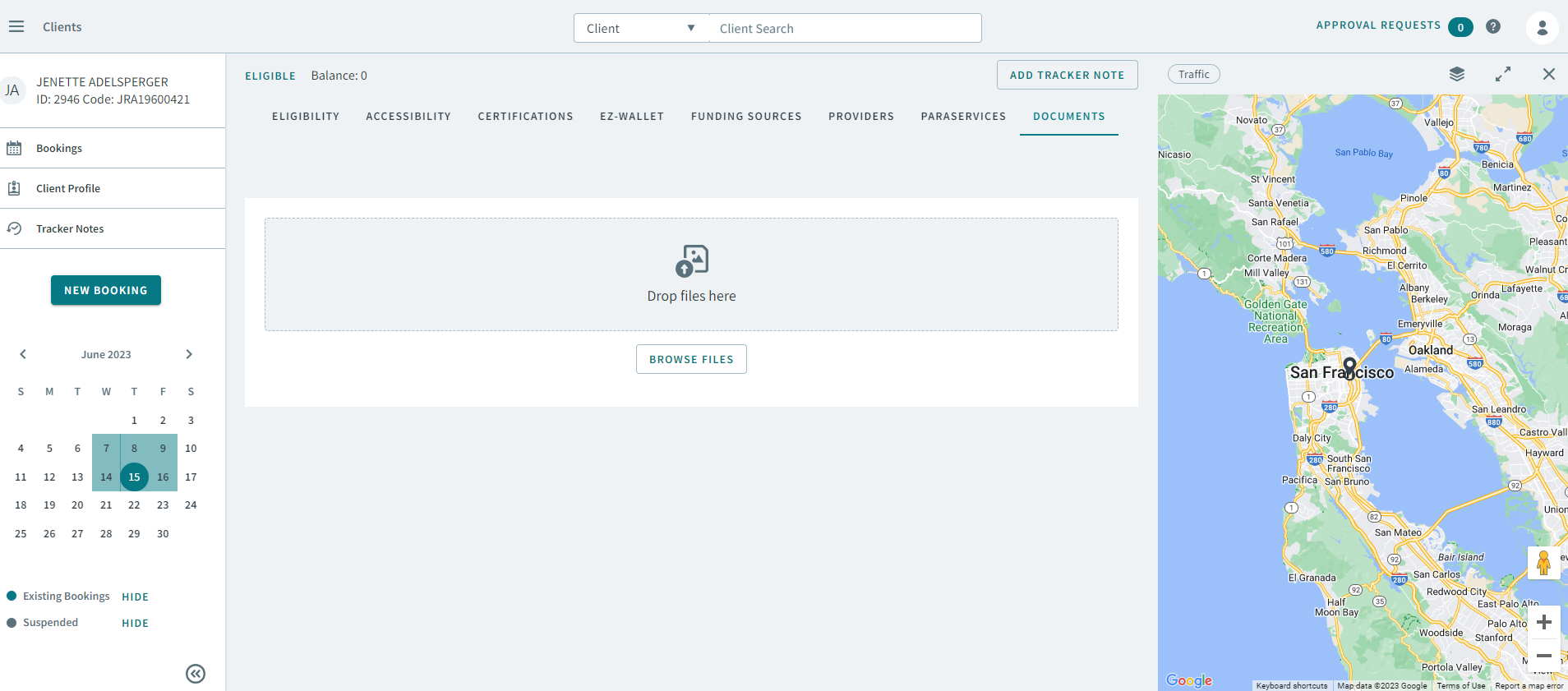
- Drag a file into Drop files here or click Browse Files to attach a file.
- Optional:
To delete a document, click
 Delete