
Adding Paraservices
The ParaServices tab allows you to specify one or more paraservices to associate with specific clients.
Before you begin
- A client profile must be open.
- Para services ancillary data must be created.
About this task
Procedure
-
Click the Paraservices tab.
The Paraservices tab opens.
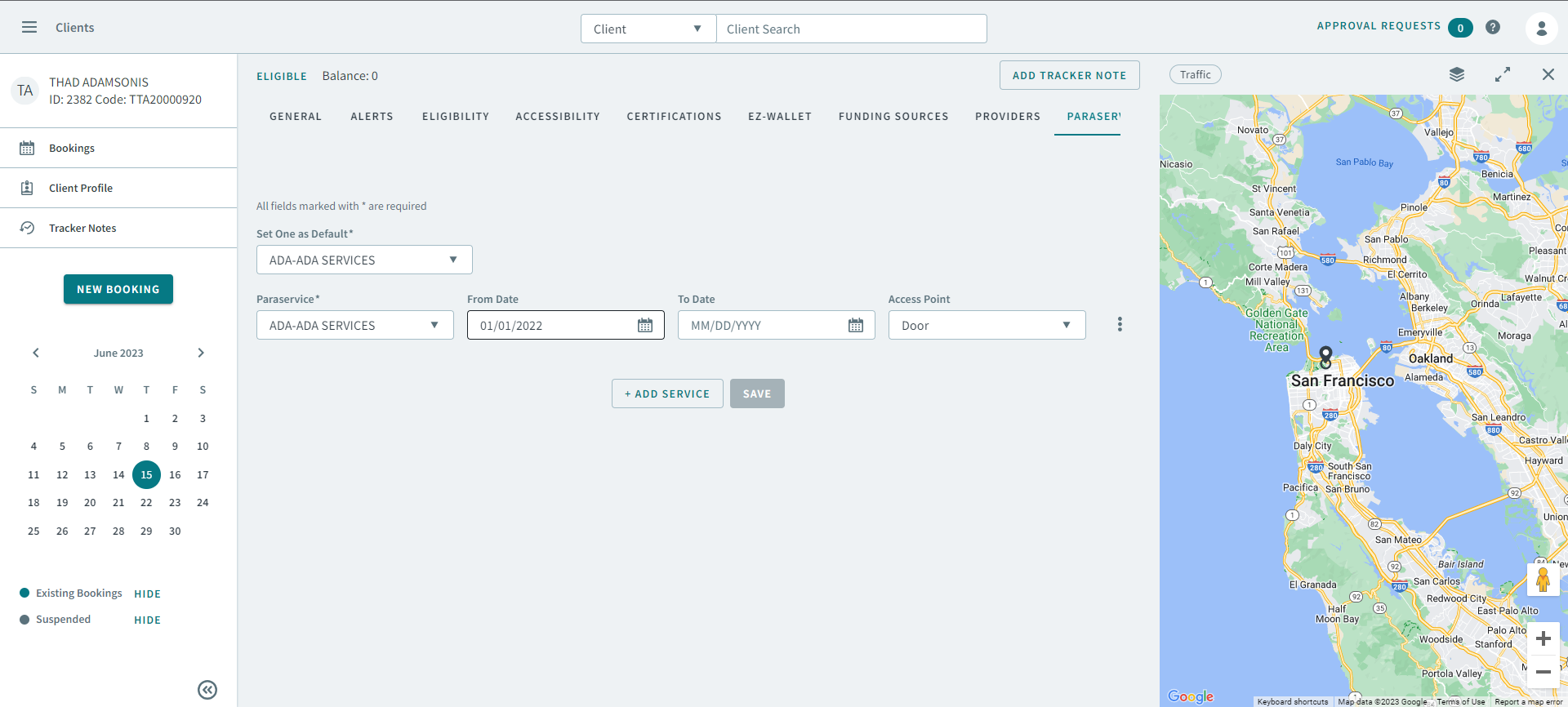
- Select a paraservice in the Paraservice dropdown list.
- Type or select a date in From Date and To Date.
- select a pick-up point in the Access Point dropdown list.
- Optional: To add another paraservice, click Add Service.
- Optional:
To remove a paraservice, click
 , and then select Delete from
the pop-up menu.
, and then select Delete from
the pop-up menu.
-
In Set One as Default, select whether a paraservice will
be the client's default.
Note:This paraservice is auto-populated in the Paraservice field in all of the client's bookings.
- Click Save.