
Viewing Live and Template Schedules
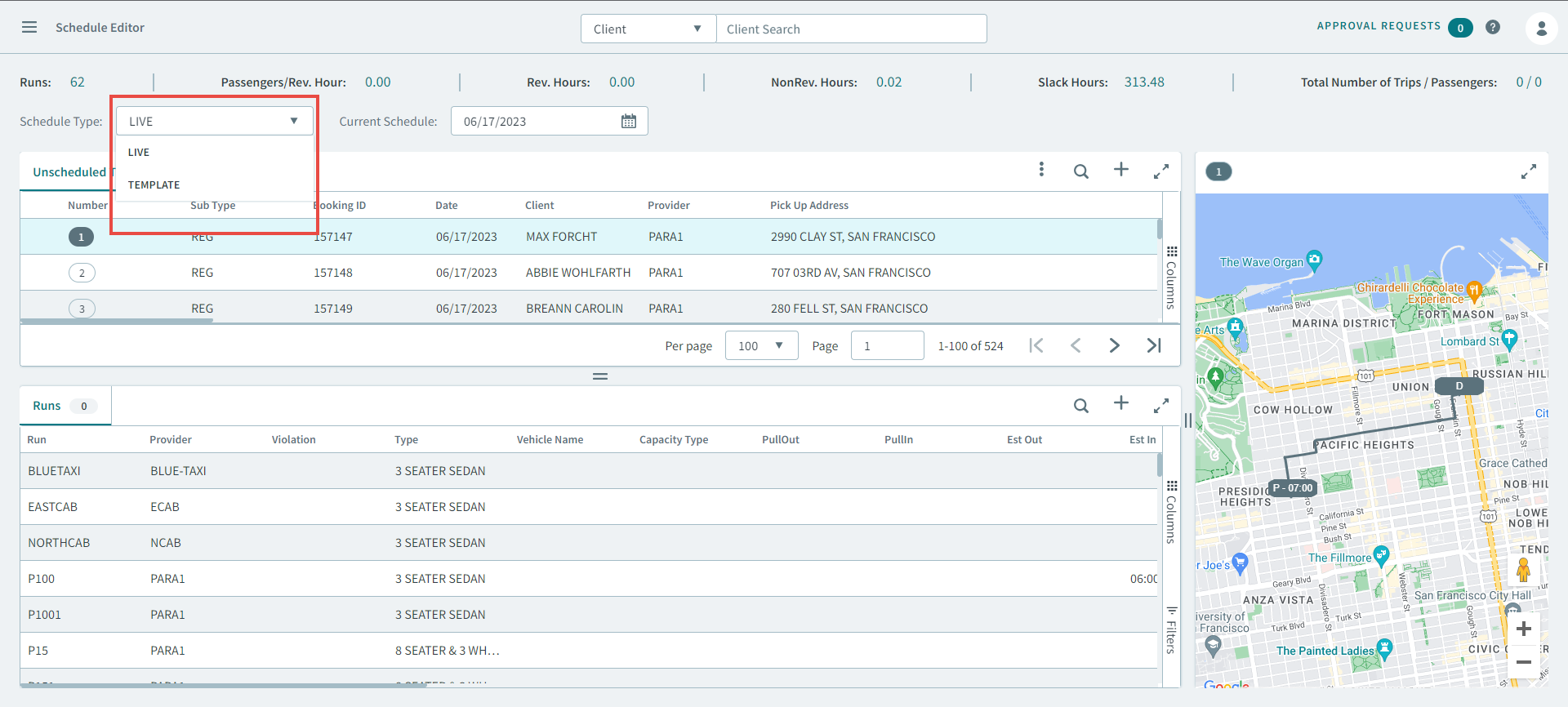
You can view both live and template schedules by selecting them from the Schedule Type dropdown list.
Before you begin
Schedule Editor must be open.
Live and template schedules must be loaded from the Schedules page.Procedure
- Click the Schedule Type dropdown list to display the schedule types.
-
Select one of the following:
- LIVE
- TEMPLATES
-
After selecting a schedule type, you will need to do one of the following from
Current Schedule.
- For LIVE, select a date from the pop-up calendar.
- For TEMPLATE, select a day of the week from the dropdown list.
The schedule is displayed in the Schedules grid.