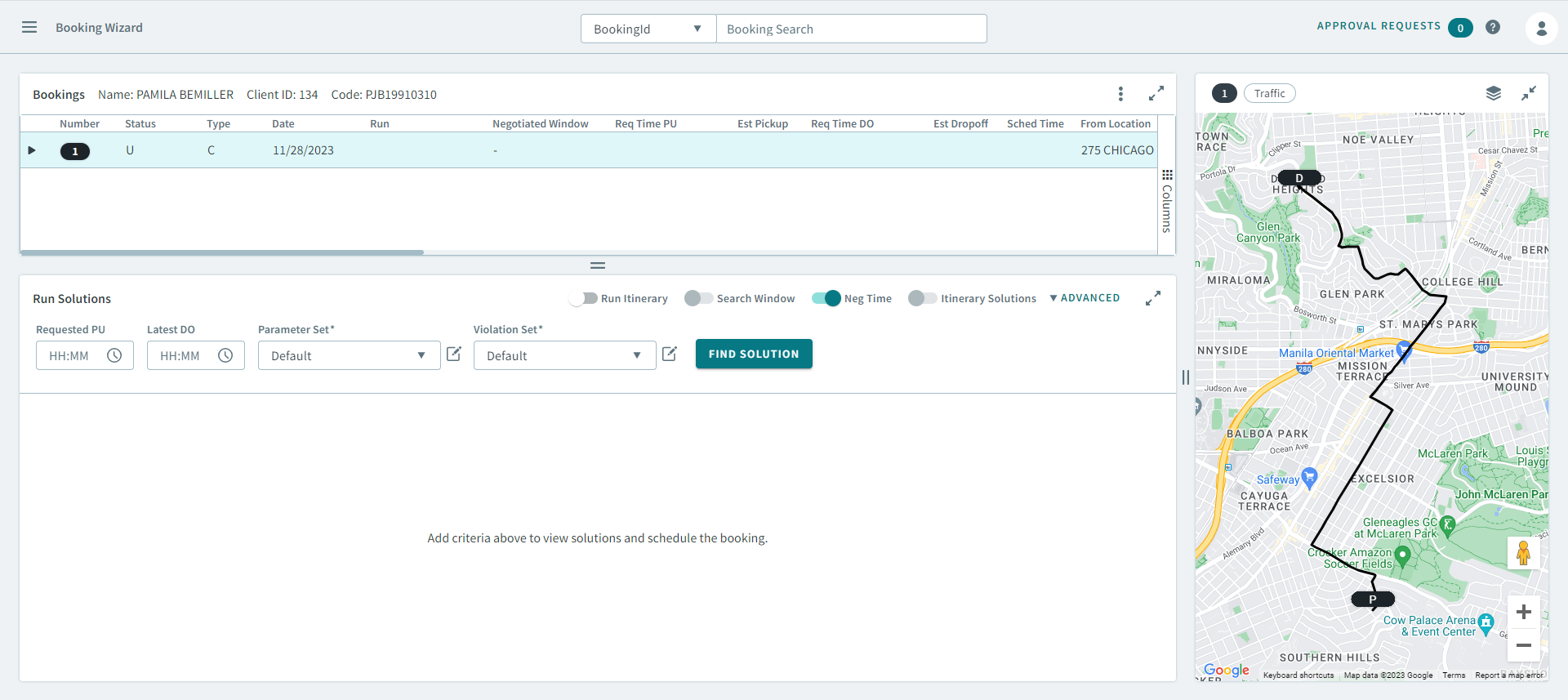
Scheduling a booking from Schedule Editor
You can also schedule a booking from the Schedule Editor when viewing schedule or making changes to schedules.
Before you begin
Schedule Editor must be open.
Procedure
- Select Live or Template from Schedule Type
-
Do one of the following:
- If Live was selected, type or select a date from Current Schedule.
- If Template was selected, select a day of the week from Current Schedule.
Unscheduled trips tab is displayed in the Schedules pane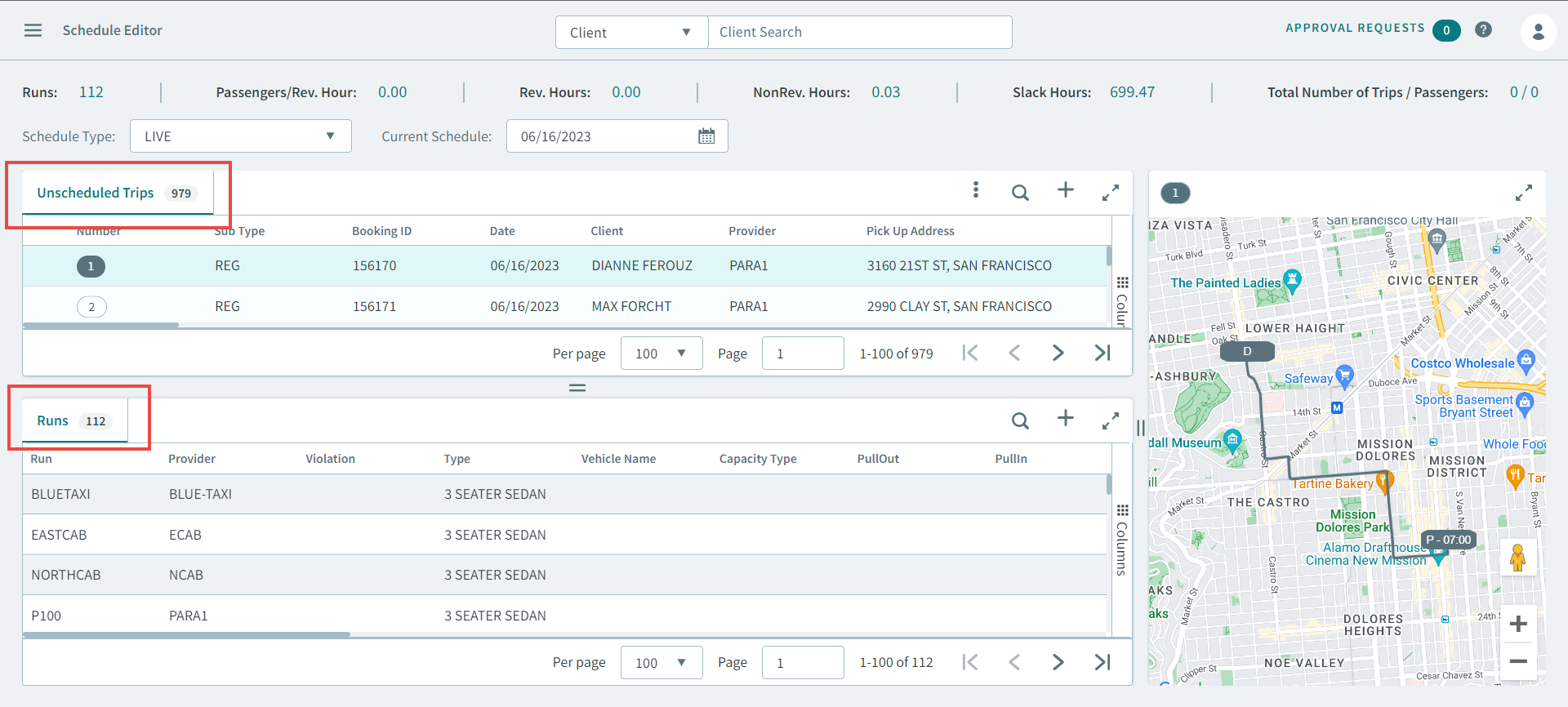
-
Right-click on a booking in the Unscheduled Trips tab,
and in the pop-up menu, click Schedule.
The booking opens in the Booking Wizard.