Viewing Runs/Run Itineraries for a Schedule
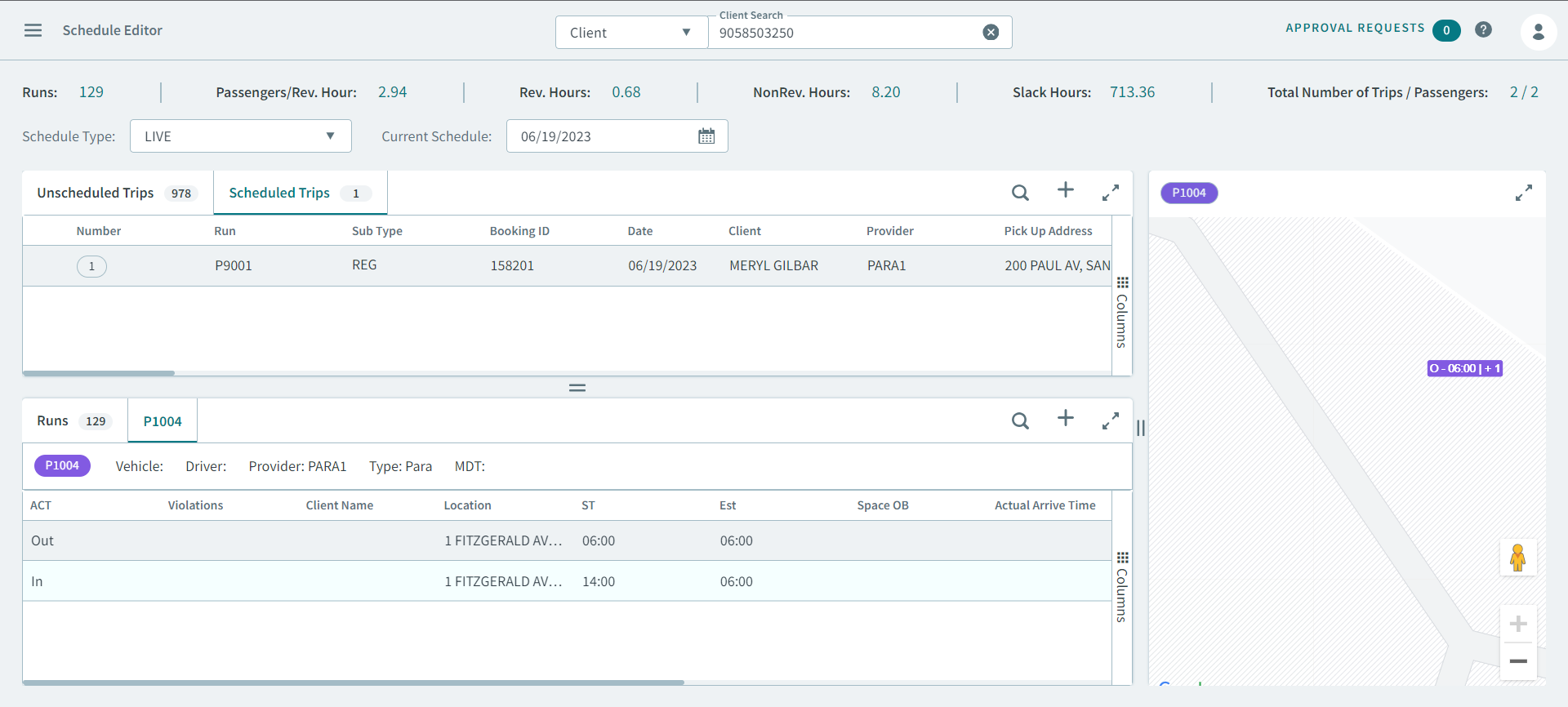
After you select a schedule in Schedule Editor, many tasks require that you select a run so that you can see the run itinerary.
Before you begin
Schedule Editor must be open.
Procedure
- Select Live or Template from Schedule Type
-
Do one of the following:
- If Live was selected, type or select a date from Current Schedule.
- If Template was selected, select a day of the week from Current Schedule.
Runs are displayed in the Runs tab.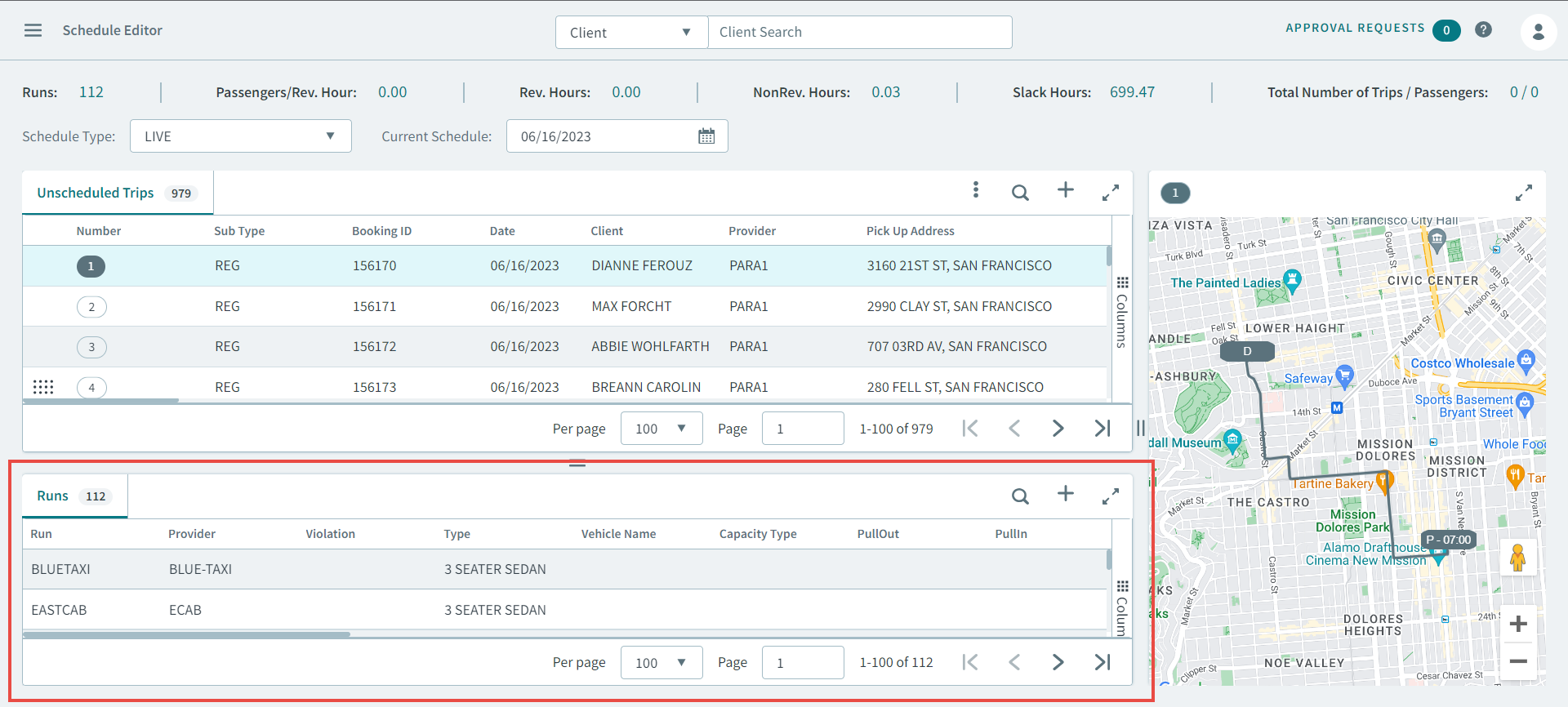
-
To view a run itinerary, double-click a run or right-click and select
Open Run from the pop-up menu.
The Run Itinerary tab opens.