About Ancillary Groups
Ancillary groups are logical arrangements of ancillary data to which global properties can be applied.
Ancillary groups can make setting properties or defining associated ancillary data more efficient. For example, you can group various pay codes together that apply to the employee rotation pay code group, which determines what counts as extraboard work. Or, you can create an ancillary group of work types to which intervening time properties apply.
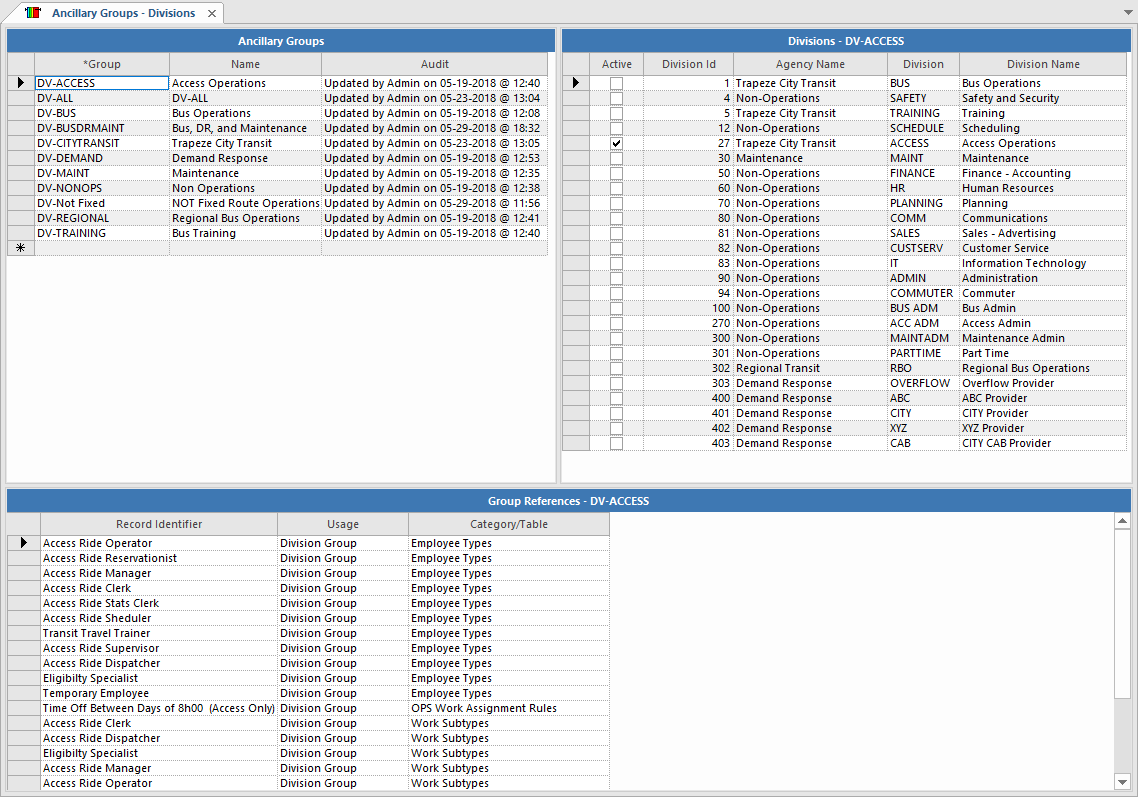
In the Ancillary Groups screen, the top pane shows the selected ancillary group and its details. The bottom pane shows system references to the group. These references can help you understand the impact of any changes you may make to a group.
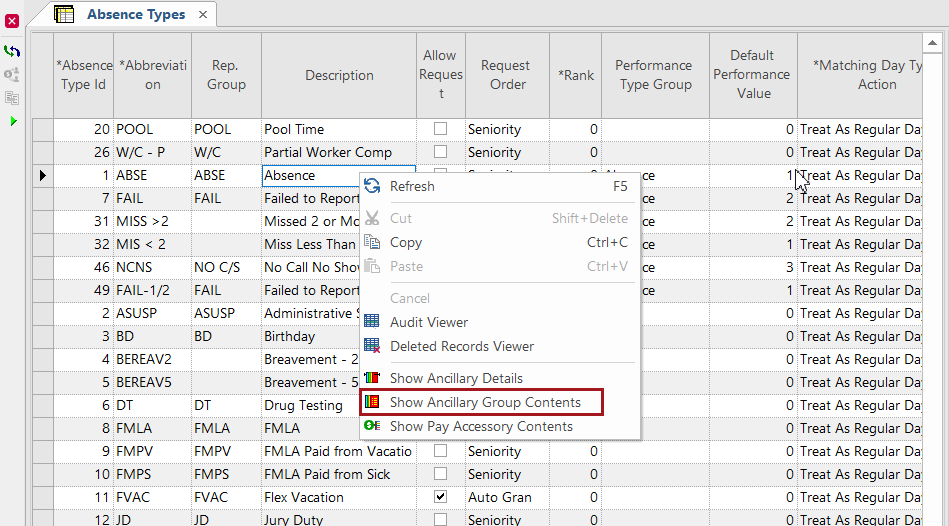
Ancillary data screens have a Show Ancillary Group
Contents right-click menu option. The option is only available in data cells that
contain ancillary groups.