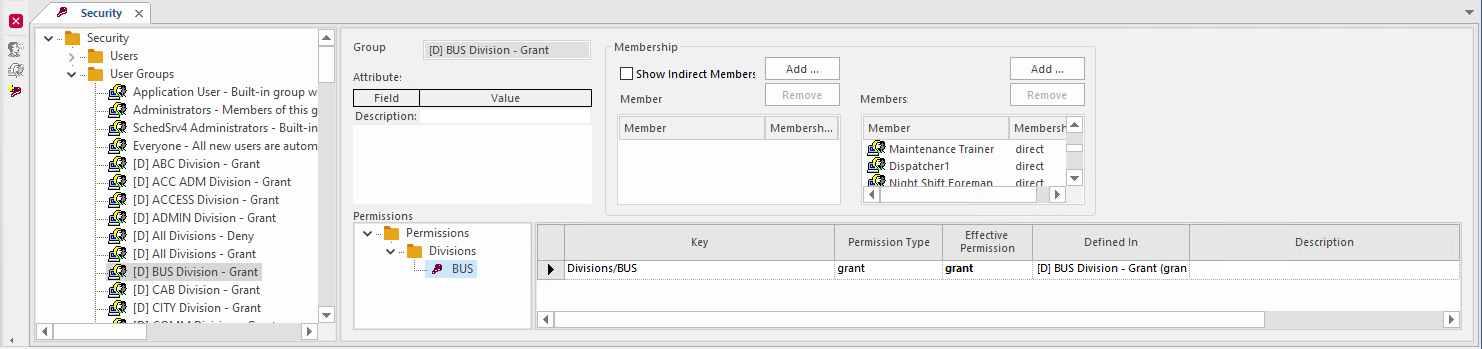
Generating Master Division Security User Groups
Each master division requires a security group. For more information, see your Trapeze representative.
- Open the OPS Master Divisions ancillary data screen.
- Optional: To add divisions, right-click in the grid and select Add New Record.
- Optional:
To view and add bulletins, select View Bulletins:

-
Select Generate Security Groups:
 Security groups are generated based on divisions. This task is typically performed by a Trapeze representative when the system is initially configured. You shouldn't need to repeat it.Security groups can be viewed by system administrators in the Security screen.